

Illusion
- 8.5
6420Evaluation
- 890+
downloads
- 16+
Over 16 years old
Illusion
Overview
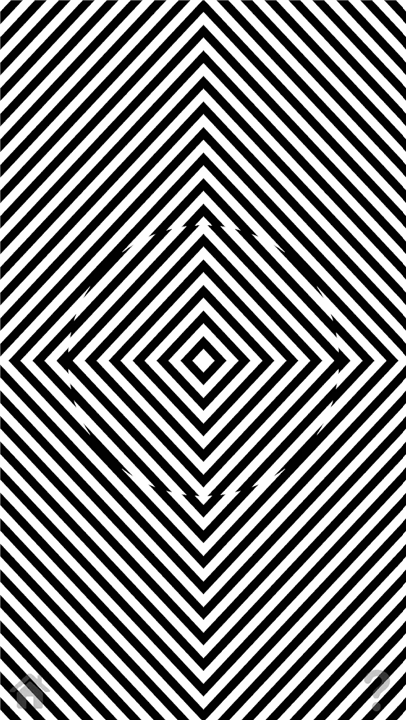
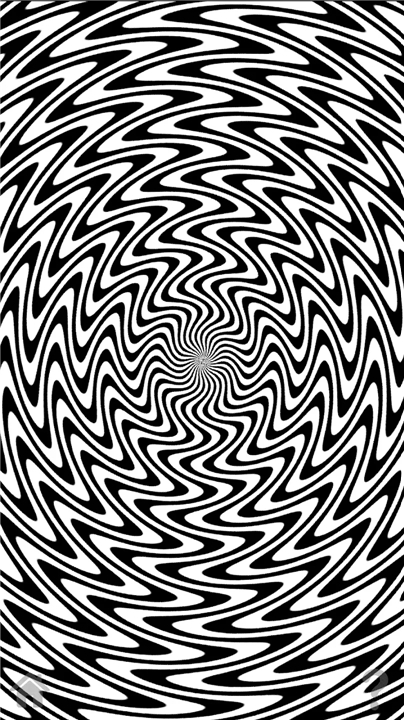
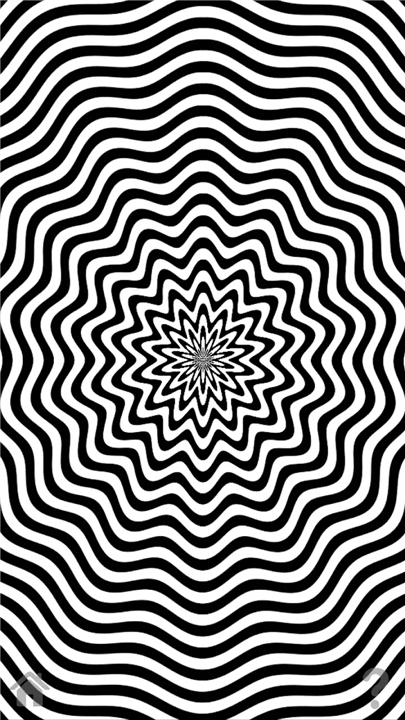
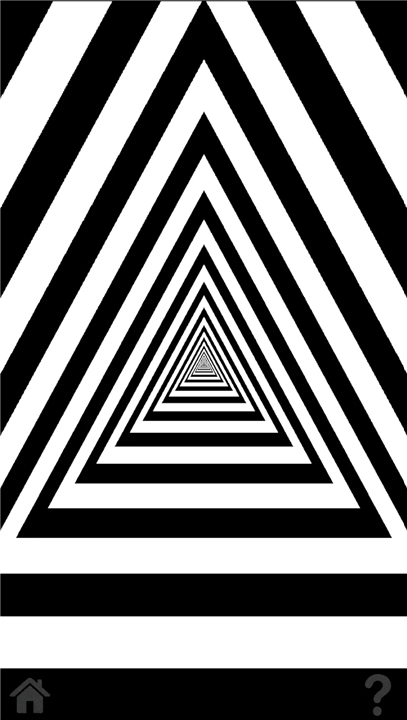
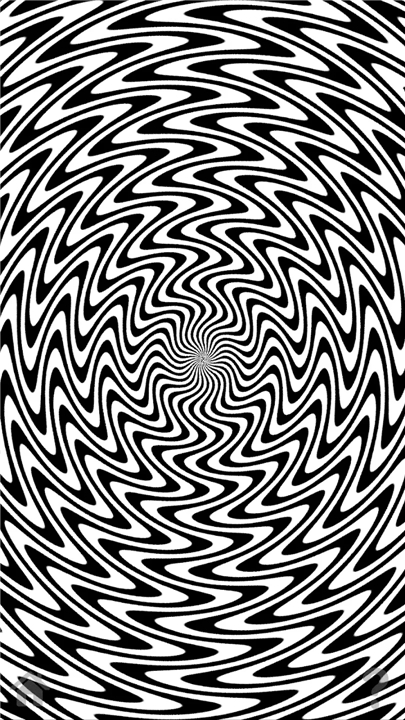
• The Illusion application is a specialized tool designed to explore the boundaries of human visual perception.
• By utilizing complex geometric patterns and light manipulation, the software generates profound optical illusions that demonstrate how easily the brain can be deceived by external stimuli.
• It offers an immersive experience that challenges your sensory reality through temporary visual distortions.
Operating Instructions
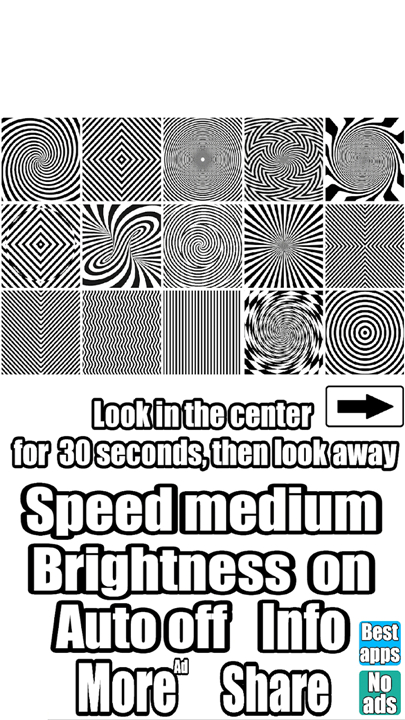
• Navigate the main menu to select one of the available visual effects, each designed to trigger a specific type of sensory shift.
• Focus your eyes strictly on the center of the animation for a continuous duration of 30 seconds.
• Maintain a steady gaze and attempt to keep your eyes fixed on the focal point without looking away or blinking excessively.
• After the 30-second period has elapsed, immediately shift your gaze toward a nearby stationary object or a flat surface to witness the environmental aftereffect.
• Utilize the Auto off/on toggle within the settings to enable or disable the automatic shut-off feature for each effect cycle.
Safety and Health Warnings
• This application displays high-intensity, brightly shimmering objects and rapid visual patterns.
• Usage is strictly prohibited for individuals who are pregnant, prone to photosensitive seizures, or suffering from mental health conditions.
• The developer assumes no legal liability for any adverse physical or psychological consequences resulting from the use of this software.
• By downloading and installing this application, you express full agreement with this disclaimer and accept all associated risks.
• If you are uncertain regarding your health status or do not agree to these terms, you must not download or use this application.
FAQ
Q: How does the app create these visual distortions?
A: The software utilizes intricate geometric patterns paired with light manipulation techniques. These dynamic visual arrangements interact with your visual system to trigger specific sensory shifts, momentarily altering how you perceive your immediate environment.
Q: How do I select and start a visual effect in the app?
A: Navigating the app is simple! All you need to do is open the main menu, browse through the list of available visual effects, and select the one you would like to try. Each effect is custom-crafted to trigger a unique type of sensory shift.
Q: What is the proper technique for viewing the illusions?
A: To get the best results, select an illusion and focus your eyes strictly on the center of the animation for a continuous duration of 30 seconds. It is important to maintain a steady gaze and keep your eyes fixed on that focal point without looking away or blinking excessively.
Version History
v20.13——4 Aug 2026
This application creates an optical illusion and allows you to deceive your eyes Download the latest version of Illusion to enjoy new features and updates immediately!
*20.13
New unique illusion!
*20.12
New unique illusion!
*20.11
New unique illusion!
- Version number20.13
- System Requirements5.0 and up
- Is there a feeFree(In game purchase items)
- GameSize37.51M
- GameLanguage English
- PublisherDmitsoft
- Package Namecom.dmitsoft.illusion
- MD5
- Content RatingTeenDiverse Content Discretion Advised
- Privilege19


-
Illusion 20.13Install
37.51M2026-10-28Updated










8.5
5565 Human Evaluation
- 5星
- 4星
- 3星
- 2星
- 1星