
Themes: Wallpaper & Widgets
- 7.6
3497Evaluation
- 9488+
downloads
- 16+
Over 16 years old
Themes: Wallpaper & Widgets
Transform Your Home Screen
• Give your device a stunning visual overhaul with Themes: Wallpaper & Widgets.
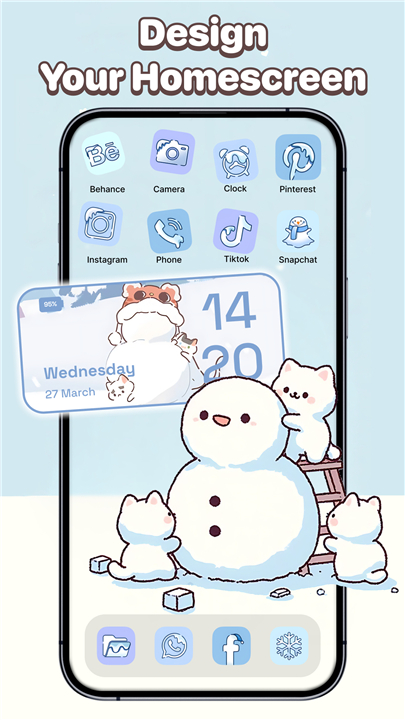
• This powerful customization tool lets you reimagine your home and lock screens with gorgeous themes, high-quality wallpapers, stylish widgets, unique app icons, and sleek control center overlays.
• Whether your aesthetic runs toward minimalist simplicity, playful cute designs, or bold neon statements, you'll discover endless possibilities to express your personal style.
Curated Theme Collections
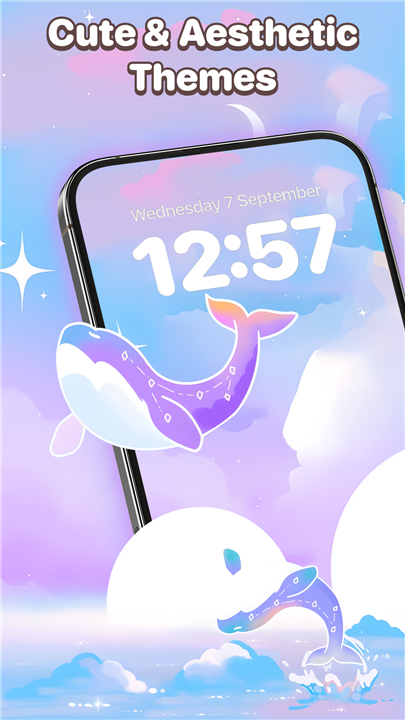
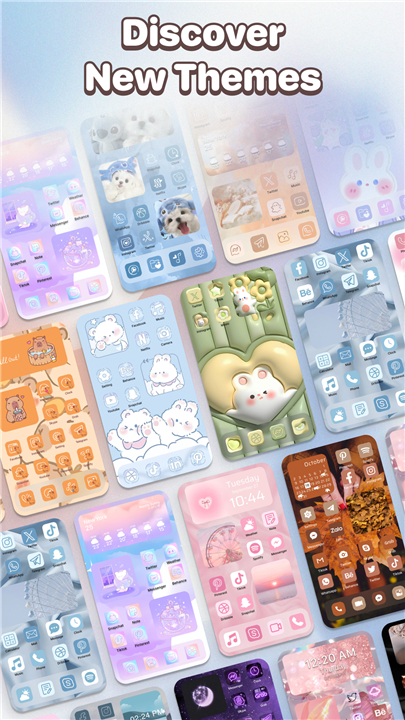
• Explore an extensive library of themes crafted for every taste and interest.
• Our collection spans anime-inspired designs, K-pop aesthetics, adorable cute patterns, vibrant neon layouts, seasonal selections for holidays and spring, light and airy visuals, artistic expressions, and sport-themed options.
• Each theme is carefully designed to transform your entire screen experience.
Control Center Overlays
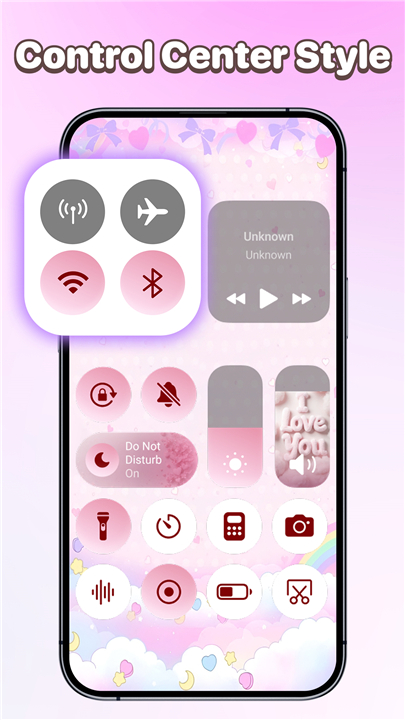
• Enhance your screen with customizable control center-style overlays featuring multiple layouts and visual designs.
• These overlays provide quick access to essential functions while elevating your screen's overall appearance.
• Note that availability and features may differ depending on your device.
Wallpaper Gallery
• Browse our thoughtfully selected wallpapers organized into meaningful categories including Ramadan designs, inspirational quotes, scenic landscapes, botanical prints, playful cartoons, and aesthetic compositions.
• Every wallpaper is designed to complement different moods and visual preferences.
App Icon Personalization
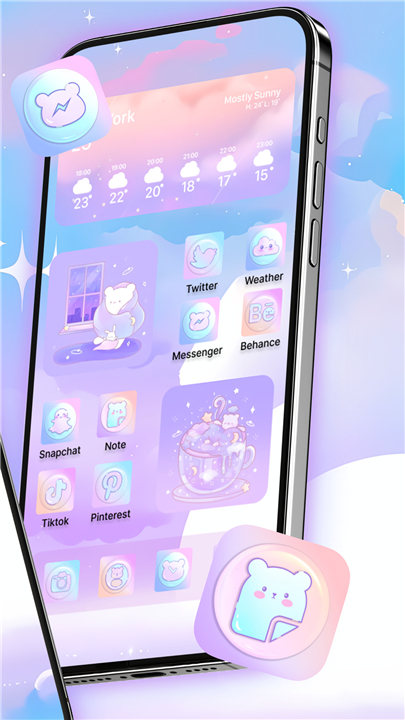
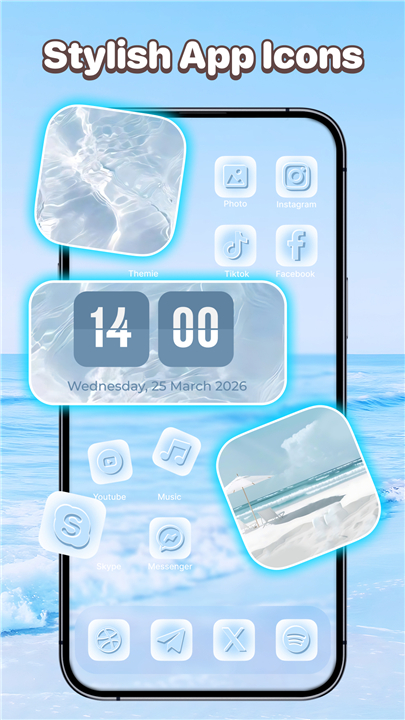
• Transform your app launcher with themed icon packs featuring styles such as New Year celebrations, Valentine designs, rabbit motifs, bear illustrations, and cozy night scenes.
• These cohesive icon sets create a polished, inviting home screen appearance.
Custom Widgets
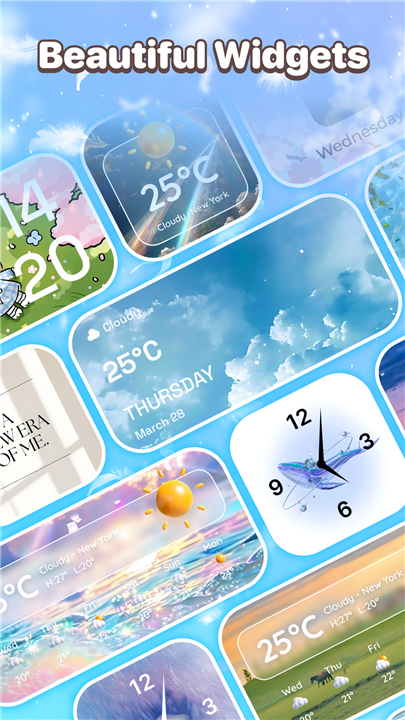
• Add functionality and flair to your home screen with our versatile widget collection.
• Choose from clock displays, calendar integrations, and photo widgets, then customize their styles and layouts to harmonize with your chosen theme.
Simple Customization Process
• Preview and apply your selected themes, wallpapers, widgets, icons, and control center designs with just a few taps.
• The intuitive interface makes it effortless to experiment with different combinations until your screen perfectly reflects your style.
Why Themes: Wallpaper & Widgets Stands Out
• Extensive collection of beautiful themes across diverse styles
• Fully customizable widgets that adapt to your chosen aesthetic
• Easy-to-use icon mixing and matching capabilities
• Regular content updates delivering fresh themes, widgets, and icons
Permissions and Privacy Commitment
• This application requires the FOREGROUND_SERVICE_SPECIAL_USE permission to enable appropriate user-facing foreground service functionality.
• For devices running Android 14, valid foreground service types must be specified for each foreground service utilized.
• To display control center overlays on your screen, the app requests Accessibility Service permission.
• This enables convenient features like volume adjustment, do-not-disturb toggling, and quick tool access without collecting or storing any personal data.
• Themes: Wallpaper & Widgets maintains strict privacy standards — we never disclose user information through accessible services and store no user data in connection with this access.
Revitalize your screen, showcase your individuality, and enjoy a more beautiful visual experience every time you unlock your device.
FAQ
Q: Are the themes organized in any particular way?
A: Yes. The collection is divided into curated categories that match a wide range of tastes—anime, K‑pop, cute motifs, neon‑bright layouts, seasonal holiday sets, light‑and‑airy designs, artistic illustrations, and sport‑themed options. This makes it easy to browse until you find the vibe that resonates with you.
Q: Can I mix and match elements from different themes?
A: Absolutely. After you apply a theme, you can still replace the wallpaper, change individual widgets, or swap a single icon pack while keeping the rest of the look. The interface lets you experiment with combinations until the screen feels just right.
Q: What kinds of wallpapers are available?
A: The wallpaper gallery contains thoughtfully curated images grouped by mood and subject. You’ll find Ramadan‑inspired designs, uplifting quotes, sweeping landscapes, botanical prints, whimsical cartoons, and a variety of aesthetic compositions that can complement any theme you choose.
Version History
v10.0——12 May 2026
Themes - Make your phone look amazing with custom wallpaper, widgets & app icons Download the latest version of Themes: Wallpaper & Widgets to enjoy new features and updates immediately!
*10.0
Minor bug fixes and improvements. Install or update to the newest version to check it out!
*5.0
Minor bug fixes and improvements. Install or update to the newest version to check it out!
*3.0
Minor bug fixes and improvements. Install or update to the newest version to check it out!
- Version number10.0
- System Requirements5.0 and up
- Is there a feeFree(In game purchase items)
- AppSize42.76M
- AppLanguage English
- PublisherImoDevel
- Package Namecom.flyer.theme
- MD5
- Content RatingTeenDiverse Content Discretion Advised
- Privilege19
-
Themes: Wallpaper & Widgets 10.0Install
42.76M2026-09-14Updated










7.6
4578 Human Evaluation
- 5星
- 4星
- 3星
- 2星
- 1星