
Themepack - App Icons, Widgets
- 7.5
3921Evaluation
- 2185+
downloads
- 16+
Over 16 years old
Themepack - App Icons, Widgets
Redefine Your Android Experience
• Your phone is an extension of your personality.
• Stop settling for a generic interface and start designing a digital space that truly reflects who you are.
• Themepack provides the ultimate creative toolkit to transform your home screen into a masterpiece, offering thousands of professional-grade icons, functional widgets, and stunning wallpapers in one intuitive app.
Key Features for a Bespoke Interface
1. Customizable Widgets:
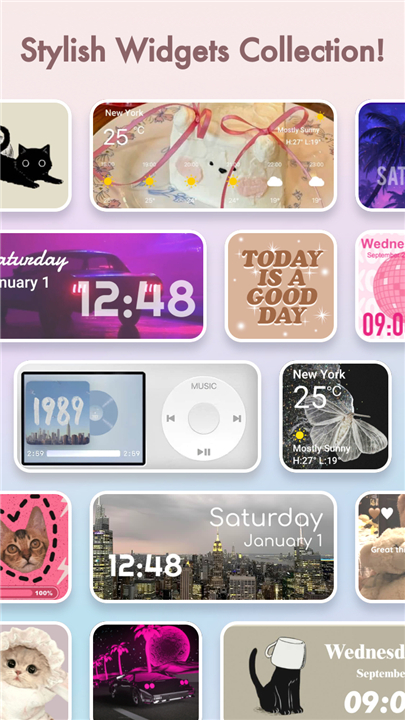
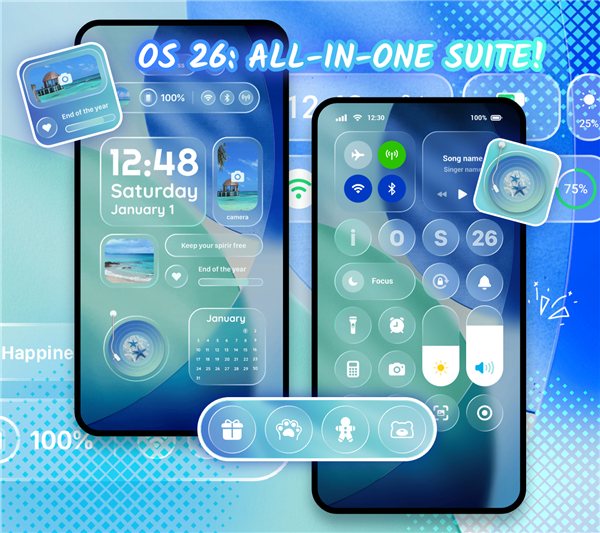
• Go beyond basic displays with interactive widgets for your calendar, clock, battery status, and weather.
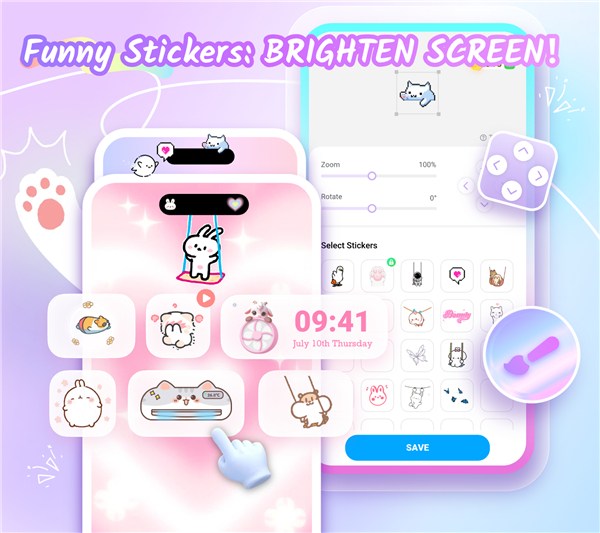
• Use your own photos to create unique, personalized dashboard elements that combine utility with art.
2. Tailored Iconography:
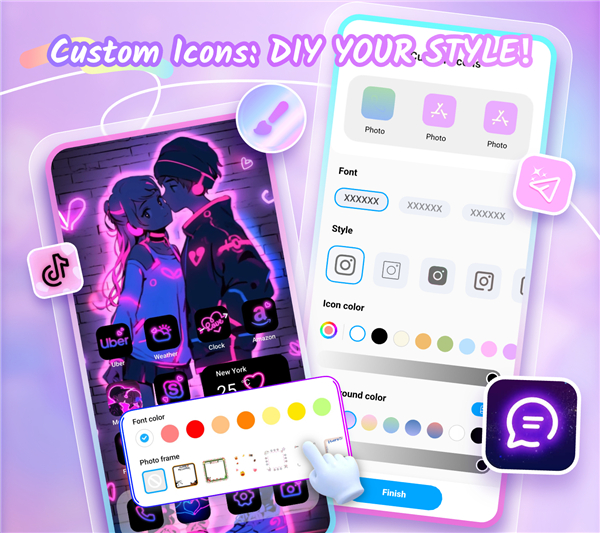
• Break free from standard app appearances.
• Adjust icon styles, fonts, and colors to create a cohesive theme, or rename apps with creative text to add a touch of individuality to your grid.
3. Curated Visual Themes:
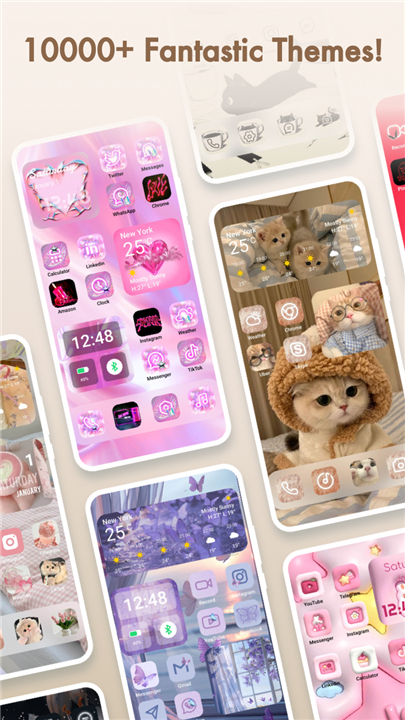
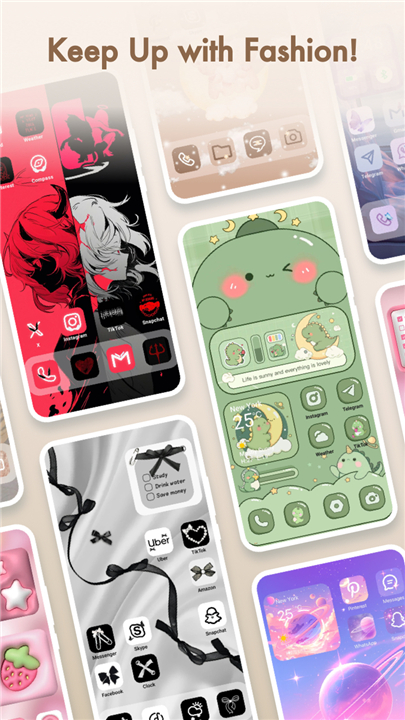
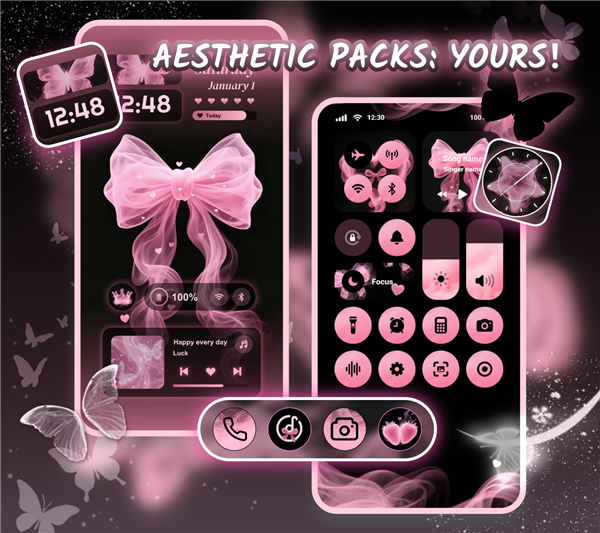
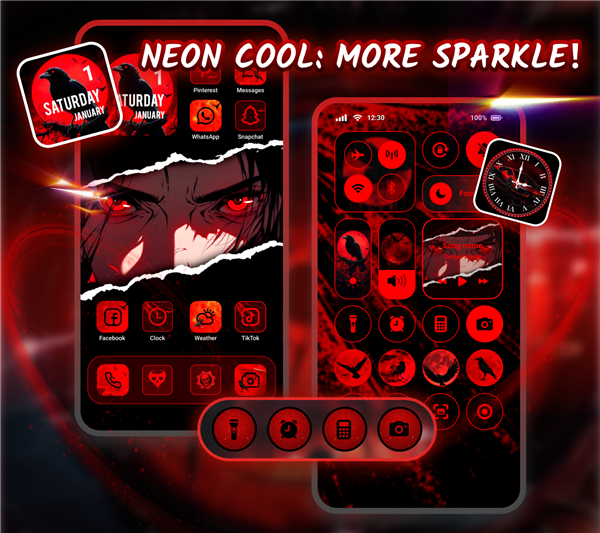
• Access a vast library of professionally designed aesthetic themes, ranging from minimalist and zen to vibrant anime and neon styles.
• With one-click installation, your home screen will feel brand new in seconds.
4. Expert Design:
• Every asset is crafted by professional designers, ensuring that every circle, square, and icon contributes to a polished, premium aesthetic.
Getting Started
1. Download and open the Themepack app.
2. Browse our extensive collection of icons, themes, and widgets.
3. Select your favorites and apply them to your home screen with a single tap.
Transparency and Security
• To bring you advanced features like personalized control panels and volume management, Themepack requires Accessibility Service permissions.
• We prioritize your privacy: this access is strictly used to enable these specific functions and does not involve the storage or disclosure of your personal data.
Here to Help
• We are dedicated to your creative journey.
• If you encounter any issues or have suggestions, our team is ready to assist you.
• Contact us at xmind0303@gmail.com for prompt support and guidance.
FAQ
Q: How do I get started with customizing my phone using Themepack?
A: Getting started is quite simple. First, download and open the Themepack app from the store. From there, you can browse through our extensive library of themes, icons, and widgets. Once you find a look you love, you can apply your favorites to your home screen with just a single tap.
Q: Can I use my own photos for the widgets?
A: Absolutely. One of the best features of our widget system is the ability to incorporate your own photos. This allows you to create highly personalized dashboard elements that combine essential utility with your favorite memories, making your phone feel truly like your own.
Q: Are the themes difficult to install?
A: Not at all. We have designed the app with ease of use in mind. We offer a library of professionally curated themes that can be installed with a single click, allowing you to completely refresh your home screen aesthetic in just a matter of seconds.
Version History
v1.0.0.4197——20 Jul 2026
Themepack is a personalization app that lets you change your home screen with icons, widgets, and wallpapers. Download the latest version of Themepack - App Icons, Widgets to enjoy new features and updates immediately!
*1.0.0.4197
Minor bug fixes and improvements. Install or update to the newest version to check it out!
*1.0.0.4179
Minor bug fixes and improvements. Install or update to the newest version to check it out!
*1.0.0.4165
Minor bug fixes and improvements. Install or update to the newest version to check it out!
- Version number1.0.0.4197
- System Requirements5.0 and up
- Is there a feeFree(In game purchase items)
- AppSize75.68M
- AppLanguage English
- PublisherYoloTech
- Package Namecom.iconchanger.widget.theme.shortcut
- MD5
- Content RatingTeenDiverse Content Discretion Advised
- Privilege19
-
Themepack - App Icons, Widgets 1.0.0.4197Install
75.68M2026-10-29Updated










7.5
6320 Human Evaluation
- 5星
- 4星
- 3星
- 2星
- 1星