
PDF Reader - PDF Viewer
- 8.7
9699Evaluation
- 4100+
downloads
- 16+
Over 16 years old
PDF Reader - PDF Viewer
Overview
• Tired of wrestling with stubborn documents?
• Stop letting clunky apps hold your productivity hostage.
• This all-in-one, AI-powered PDF reader turns your Android device into a lean, mean, document-processing machine—so you can spend less time fighting file formats and more time getting things done.
Smooth Reading and Viewing
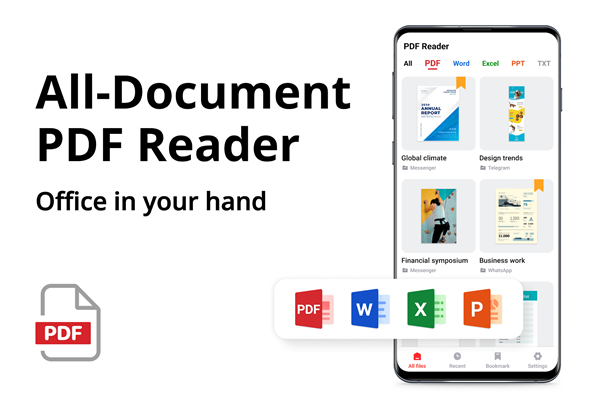
• Opens PDFs, Word docs, Excel sheets, PowerPoint slides, and text files without breaking a sweat.
• Automatically hunts down and organizes every document hiding on your device.
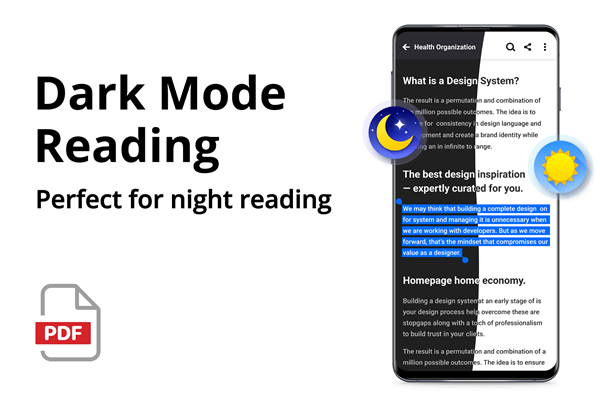
• Offers Dark Mode and customizable layouts for those late-night panic study sessions.
• Features distraction-free full-screen modes, page jumping, and continuous scrolling.
Smarter PDF Editing and Signing
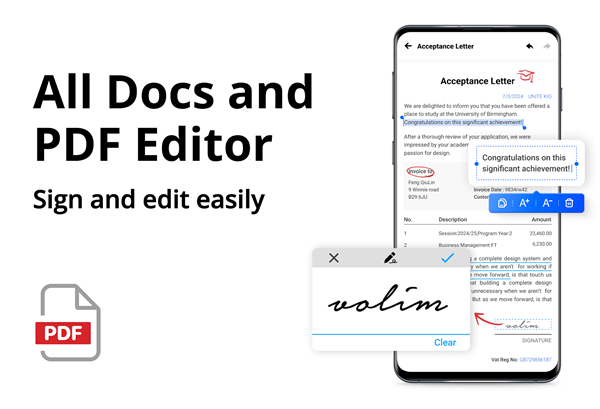
• Edit text and swap images directly inside your PDFs like a digital wizard.
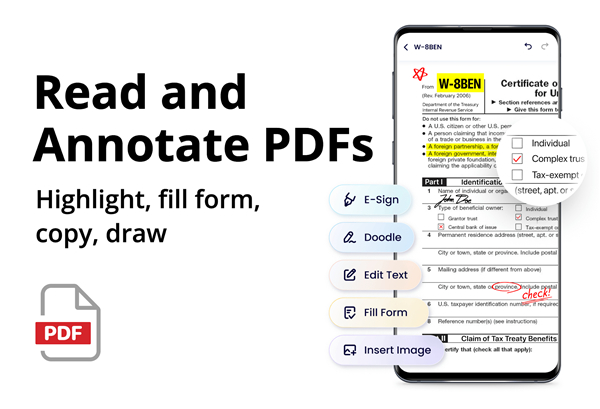
• Highlight key sections, scribble notes, or draw freely on any page.
• Fill out tedious forms and sign official contracts using just your finger.
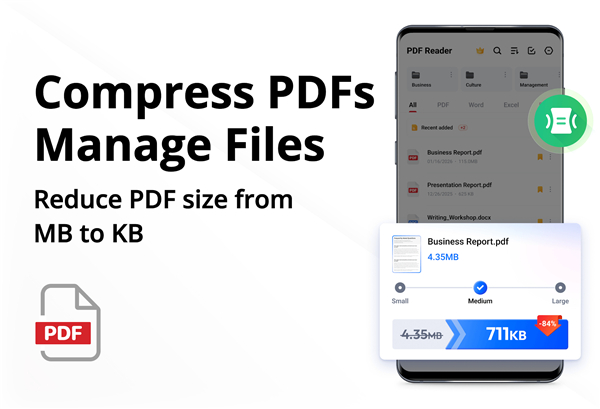
• Shrink massive files with built-in compression so your email attachments stop bouncing back.
Instant Conversions and Scanning
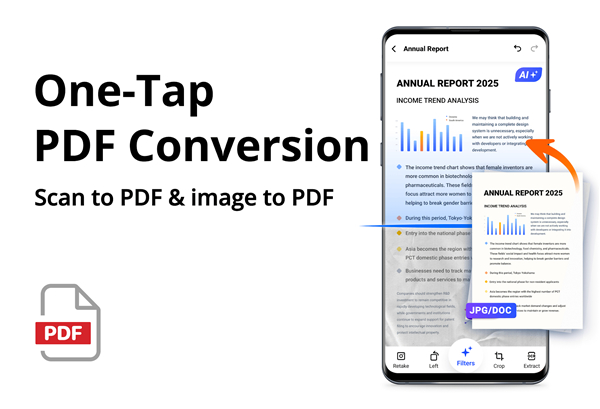
• Snap photos of receipts, paper notes, or whiteboards and turn them into crisp PDFs instantly.
• Convert PDFs to Word documents or images (and vice versa) without ruining the layout.
• Merge multiple files into one master document, or split huge PDFs into bite-sized chunks.
AI Assistant Support
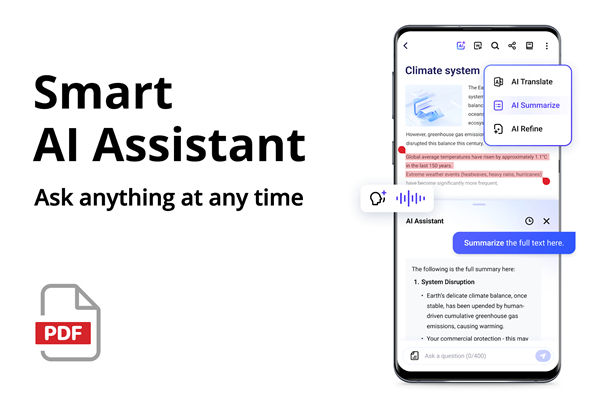
• Condense massive reports into short summaries, outlines, and mind maps in seconds.
• Translate documents into multiple languages on the fly.
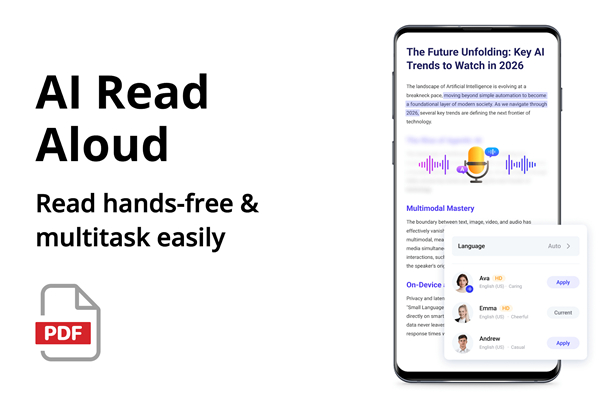
• Use AI Read Aloud to turn your reading assignments into audiobooks while you multitask.
• Polish your writing with built-in grammar checks, text rewrites, and instant summaries.
Lightweight Security and Management
• Takes up a tiny 12MB of storage space, leaving plenty of room for your actual photos and games.
• Password-protect sensitive files to keep nosy people out of your business.
• Rename, print, and share files across your favorite apps with a single tap.
System Permissions Note
• To read and edit files across your device on Android 11 or higher, the app requires the MANAGE_EXTERNAL_STORAGE permission.
• Your files stay private and safe—this access is strictly used to keep your document library running smoothly.
Got questions or feedback?
• Reach out to us anytime at pdfreaderappfeedback@gmail.com.
Download today
• Streamline your workflow, and reclaim your sanity!
FAQ
Q: How does the app organize documents saved on my Android device?
A: The app automatically scans your device's internal storage and memory card to find every supported document hidden across your directories. It neatens up your library and organizes all your files in one place, allowing you to access any document instantly without searching through endless file folders.
Q: Can I edit text and images directly inside a PDF?
A: Yes, you can modify existing text and swap out images directly within your PDF documents like a digital editor. The app gives you practical editing tools on your mobile device so you can fix typos or update visual content on the go without needing a desktop computer.
Q: Is it possible to fill out forms and sign documents electronically using this app?
A: Absolutely. You can easily fill in fields on tedious forms and draw your official signature onto contracts using your finger or a stylus. It helps you handle important paperwork entirely digitally without printing or scanning physical pages.
Version History
v2.1.0——22 Jul 2026
Read, edit, sign, and convert docs effortlessly with this AI PDF Reader & Viewer for Android. Compress, scan, and summarize files. Download the latest version of PDF Reader - PDF Viewer to enjoy new features and updates immediately!
*2.1.0
Optimized performance and interaction
Fixed minor bugs
*2.0.9
Optimized performance and interaction
Fixed minor bugs
*2.0.8
New Experience: Easier on Your Eyes!
【Dark Mode】: Reduce eye strain for more comfortable reading at night
【Brightness Control】: Adjust screen brightness to suit your reading preference
- Version number2.1.0
- System Requirements5.0 and up
- Is there a feeFree(In game purchase items)
- AppSize55.30M
- AppLanguage English
- PublisherQR Code Scanner.
- Package Namepdf.pdfreader.viewer.editor.free
- MD56a796314adb27758d292868f26031149
- Content RatingTeenDiverse Content Discretion Advised
- Privilege19
-
PDF Reader - PDF Viewer 2.1.0Install
55.30M2026-10-28Updated
-
PDF Reader - PDF, DJVU Viewer 9.4.8Install
36.20M2026-10-28Updated
-
PDF阅读器 1.4.1Install
18.15M2026-10-28Updated










8.7
8931 Human Evaluation
- 5星
- 4星
- 3星
- 2星
- 1星