
Image to PDF - PDF Maker
- 8.5
5802Evaluation
- 4217+
downloads
- 16+
Over 16 years old
Image to PDF - PDF Maker
Overview
• Is your camera roll a chaotic mess of receipts, whiteboards, and random screenshots?
• Image to PDF - PDF Maker is here to save your storage space and your sanity.
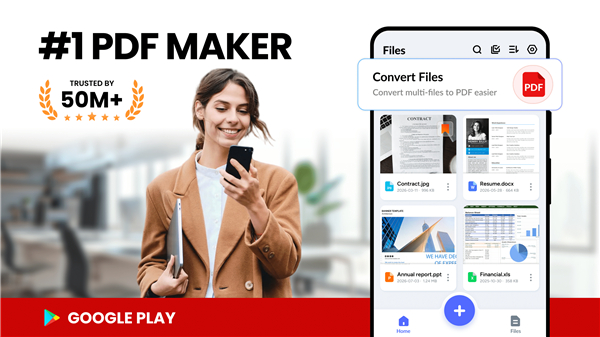
• Transform any image into a clean, shareable PDF in seconds, completely free.
Snap and Convert
1. Turn anything into a PDF:
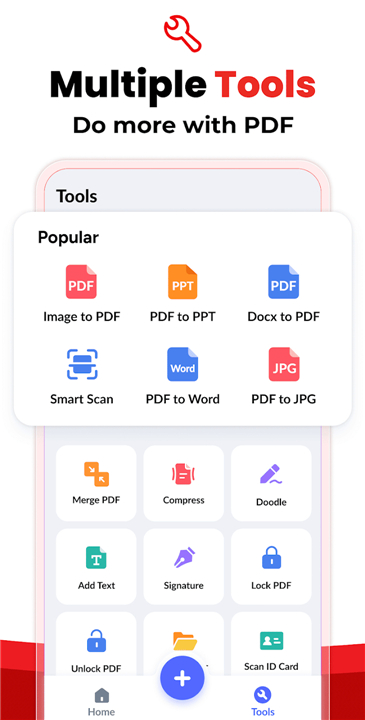
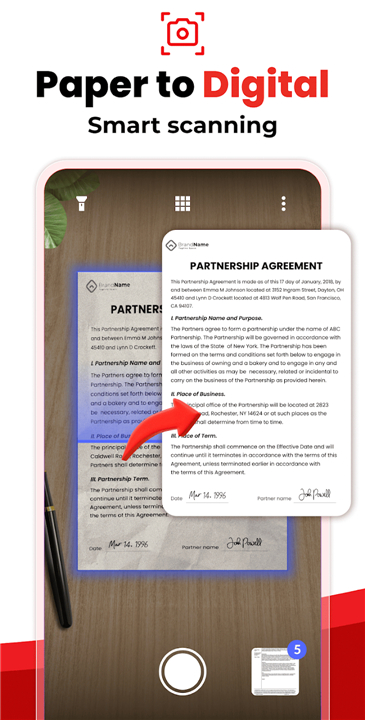
• From receipts, invoices, and notes to ID cards and whiteboard scribbles, convert any photo into a sleek document.
2. 100% Offline privacy:
• Everything happens locally on your device.
• Your sensitive files never touch a cloud server, keeping them safe from nosy strangers and server leaks.
Tweak and Polish
1. Built-in image editor:
• Crop, rotate, and resize your images until they look perfect before converting.
2. Express yourself:
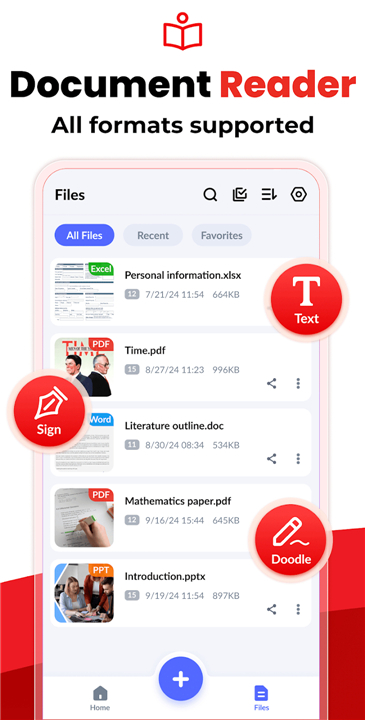
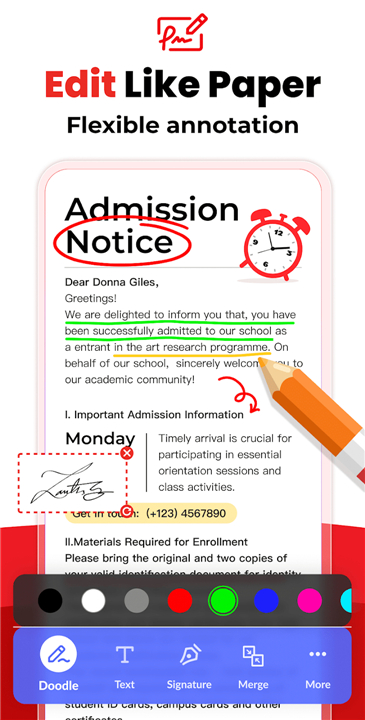
• Doodle, add custom text, or drop your signature right onto your PDFs with the built-in reader and editor.
3. Shrink giant files:
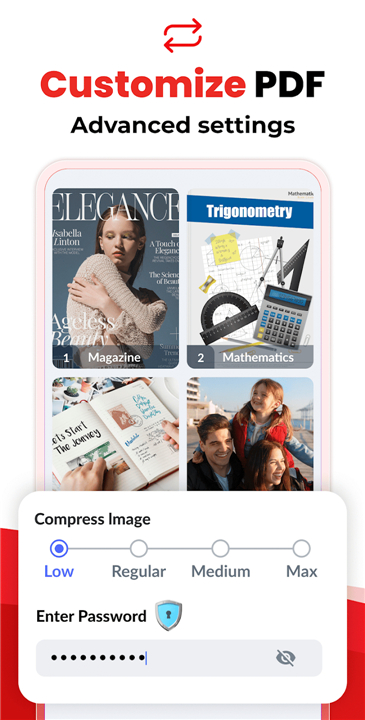
• Compress your documents so your email attachments actually go through on the first try.
Organize and Secure
1. Lock out peeping toons:
• Add password protection to keep your private documents private.
2. Automated sorting:
• Let the app organize your files by name, size, or date, because manually sorting files is so last decade.
3. Instant search:
• Type a quick keyword and find exact documents before you forget why you needed them.
Share and Enjoy
1. Zero hidden fees:
• Enjoy unlimited conversions with every feature unlocked for free.
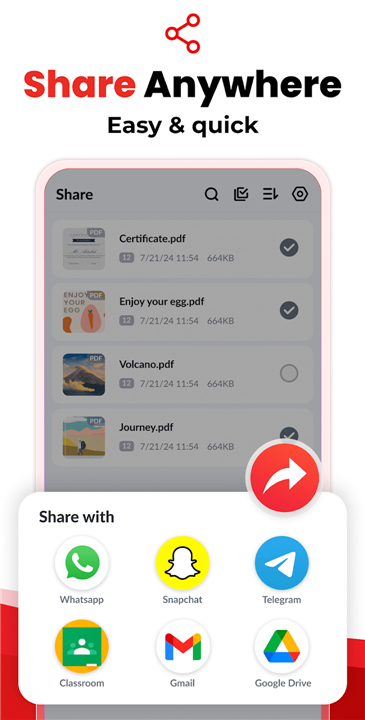
2. One-tap sharing:
• Send your new PDFs via email, Bluetooth, or social media instantly.
Note for Android 11+ Users:
• To manage and edit your files smoothly, the app requires "All Files Access" permission.
Your Feedback Matter to Us
• We are constantly updating the app to make file management effortless.
• Have a suggestion?
• Drop us a line at imagetopdffeedback@gmail.com!
FAQ
Q: Is my personal data safe when I convert images using this app?
A: Your privacy is fully protected because the app works completely offline. All image processing and document conversions happen directly on your device, meaning your sensitive documents, personal receipts, and IDs are never uploaded to cloud servers or exposed to third parties.
Q: Do I need to pay or subscribe to access all features?
A: No, the app is entirely free to use with zero hidden fees. You get unlimited conversions and full access to all editing, security, and organization tools without ever needing to purchase a subscription or unlock premium tiers.
Q: Can I edit or adjust my photos before converting them into a PDF?
A: Yes, you can polish your images right inside the app before creating your final document. It includes a built-in image editor that lets you crop out unwanted backgrounds, rotate misaligned photos, and resize images so your PDF looks neat and structured.
Version History
v1.7.7——22 Jul 2026
Convert photos to PDF instantly with Image to PDF - PDF Maker! Free, secure, and works offline. Edit, compress, and share files fast. Download the latest version of Image to PDF - PDF Maker to enjoy new features and updates immediately!
*1.7.7
Supported real-time edge detection and auto capture
Optimized performance and interaction
Fixed minor bugs
*1.7.4
Supported real-time edge detection and auto capture
Optimized performance and interaction
Fixed minor bugs
*1.7.3
Optimized performance and interaction
Fixed minor bugs
- Version number1.7.7
- System Requirements5.0 and up
- Is there a feeFree(In game purchase items)
- AppSize30.45M
- AppLanguage English
- PublisherSimple Design Ltd.
- Package Nameimagetopdf.pdfconverter.jpgtopdf.pdfeditor
- MD584839db9ffc689b770486aa2dd52504c
- Content RatingTeenDiverse Content Discretion Advised
- Privilege19
-
Image to PDF - PDF Maker 1.7.7Install
30.45M2026-10-28Updated










8.5
7461 Human Evaluation
- 5星
- 4星
- 3星
- 2星
- 1星