

Fluffy File Manager
- 8.6
4359Evaluation
- 5339+
downloads
- 16+
Over 16 years old
Fluffy File Manager
A Free and Open‑Source, TV‑Optimised File Explorer
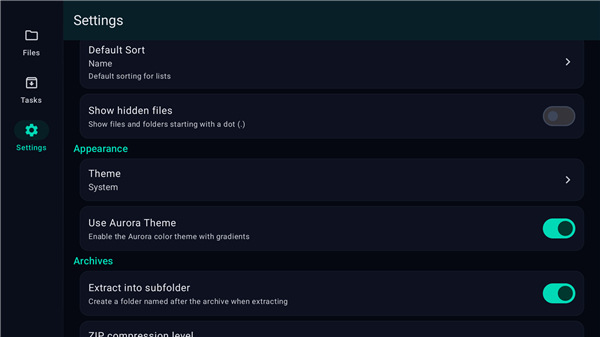
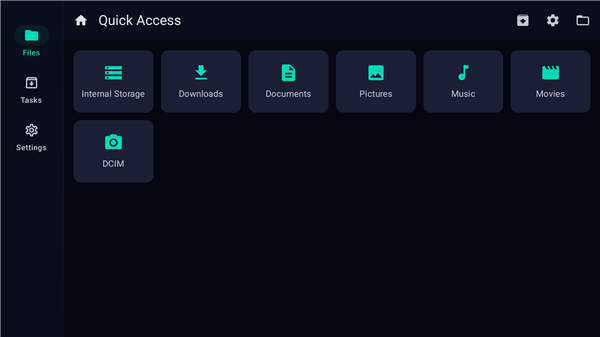
• Fluffy is a community‑driven, free‑software file manager designed for Android TV and large‑screen devices.
• Its interface is built around the D‑pad and oversized touch targets, making navigation comfortable from a couch.
• All core functions work completely offline and the app contains no advertising or tracking components.
Core Capabilities
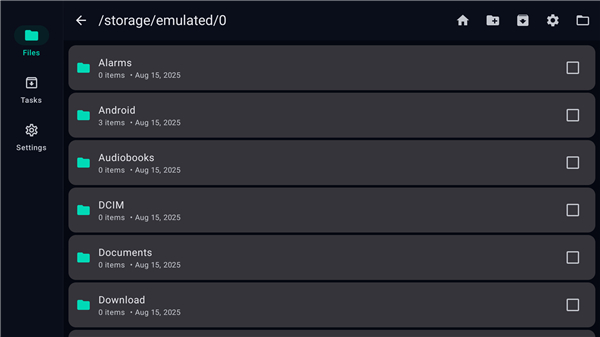
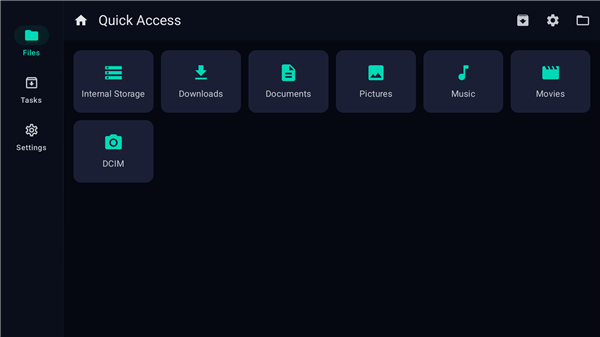
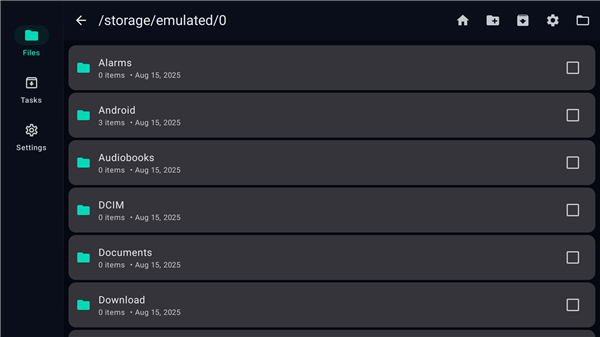
• Browse internal storage, external SD cards, and any folder accessed through Android’s Storage Access Framework (SAF).
• Switch effortlessly between “full‑filesystem” mode (with the optional All‑Files permission) and SAF‑only mode for stricter privacy.
• Create ZIP and 7z archives directly from the file list.
• Extract a wide range of archive types: ZIP, 7z, TAR, TGZ, TBZ2, TXZ, APK, JAR.
• Treat archives like ordinary folders: open them, navigate their contents, and extract only the files you need without decompressing the whole package.
Background Operations & Task Center
• All time‑consuming jobs (compression, extraction, large copy/move actions) run in the background.
• A built‑in Task Center displays progress bars, estimated time, and allows cancellation or retry of individual tasks.
TV‑Friendly User Interface
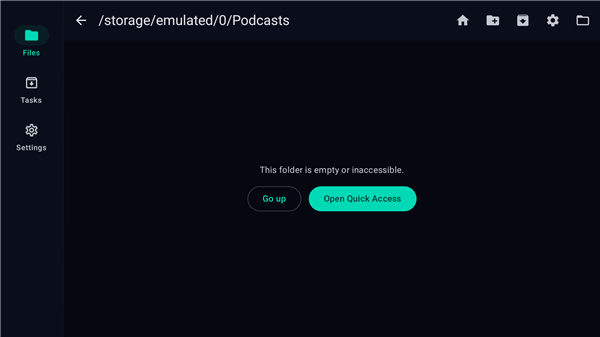
• Full D‑pad navigation with clear focus outlines.
• Large, high‑contrast icons and buttons that are easy to select from a distance.
• Minimalist layout that reduces on‑screen clutter, ideal for viewing from a sofa.
Optional Permissions
• Files and Media / All Files Access (required on Android 11+ for unrestricted browsing).
• If you prefer not to grant this permission, Fluffy remains fully functional in SAF‑only mode, limiting access to folders you explicitly open via the system picker.
Privacy Commitment
• No collection, transmission, or storage of personal data.
• All processing happens locally on the device; the app does not contact external servers.
FOSS File Manager
• Fluffy File Manager delivers a powerful, ad‑free, and privacy‑respectful solution for managing files and archives on Android TV platforms.
FAQ
Q: Can I use Fluffy without granting the “All Files” permission?
A: Absolutely. If you prefer stricter privacy, you can run Fluffy in SAF‑only mode. In this configuration the app works entirely through Android’s Storage Access Framework, letting you open only the folders you explicitly select via the system picker. Full‑filesystem mode, which requires the optional All‑Files permission on Android 11+, is available for users who need unrestricted browsing.
Q: What storage locations can Fluffy access?
A: Fluffy can browse the device’s internal storage, any inserted SD cards, and any directory you open through SAF. When you enable the optional All‑Files permission, the app gains direct access to the entire file hierarchy, but it still respects the SAF‑only mode if you choose to keep that permission disabled.
Q: How do I create a ZIP or 7z archive with Fluffy?
A: From the file list, simply highlight the files or folders you want to compress, press the “Create Archive” button, and pick either ZIP or 7z as the format. Fluffy will start the compression as a background job, showing progress in the Task Center, so you can continue browsing or watching TV while the archive is built.
Version History
v4.2.5——17 Aug 2026
Fast file manager with ZIP/7z/TAR support, TV UI, and background tasks. Download the latest version of Fluffy File Manager to enjoy new features and updates immediately!
*4.2.5
Minor bug fixes and improvements. Install or update to the newest version to check it out!
*4.2.2
Minor bug fixes and improvements. Install or update to the newest version to check it out!
*4.2.1
Minor bug fixes and improvements. Install or update to the newest version to check it out!
- Version number4.2.5
- System Requirements5.0 and up
- Is there a feeFree(In game purchase items)
- AppSize6.11M
- AppLanguage English
- PublisherMLM Games
- Package Nameapp.fluffy
- MD5
- Content RatingTeenDiverse Content Discretion Advised
- Privilege19
-
Fluffy File Manager 4.2.5Install
6.11M2026-10-28Updated










8.6
2359 Human Evaluation
- 5星
- 4星
- 3星
- 2星
- 1星