

BVD
- 8.1
7114Evaluation
- 6661+
downloads
- 16+
Over 16 years old
BVD
Bilibili Video Resource Downloader
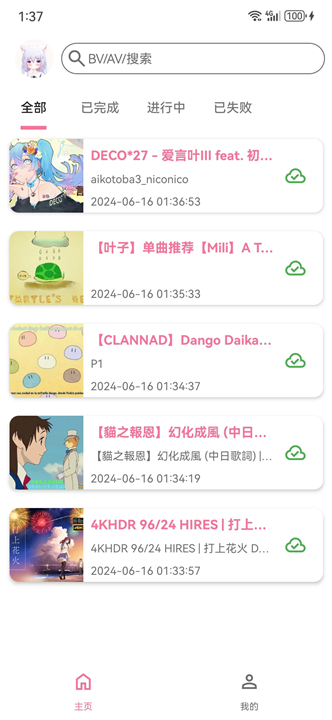
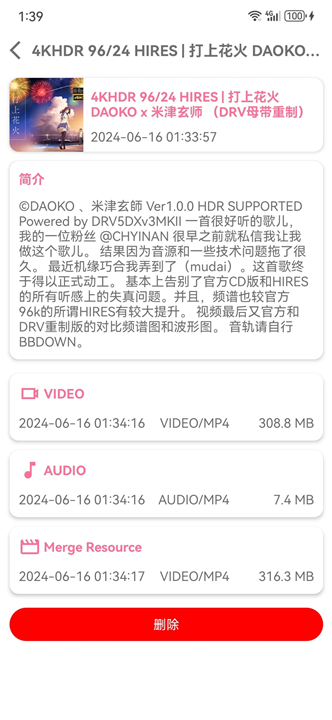
• BVD is a robust and dedicated application designed for downloading diverse video content directly from the Bilibili platform, enabling users to access their favorite media offline.
Key Features:
1. Comprehensive Video Support:
• Allows the downloading of virtually all types of content found on Bilibili, including user-uploaded videos, popular bangumi series, full TV series, and cinematic movies, ensuring a wide range of media is accessible.
2. Audio Extraction:
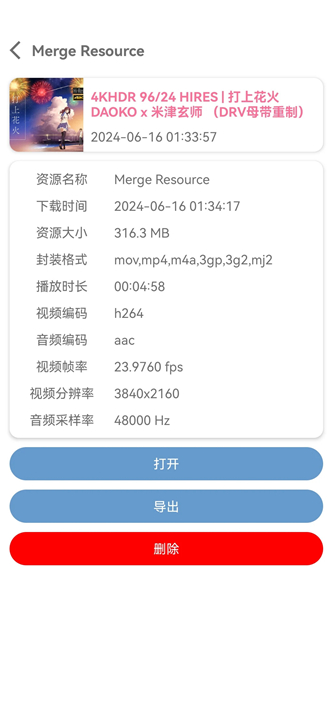
• Provides the capability to extract audio tracks from downloaded videos, specifically in the AAC format, proving useful for creating audio-only files for various purposes.
3. Flexible Format Conversion:
• Offers options to convert downloaded videos into multiple widely supported package formats such as FLV, MP4, MKV, and WMV, enhancing compatibility across different devices and media players.
4. Integrated Search Functionality:
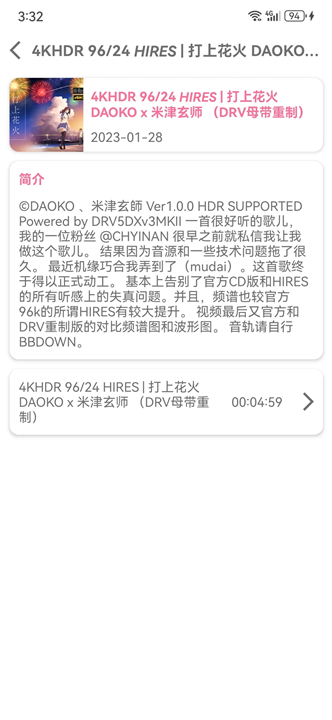
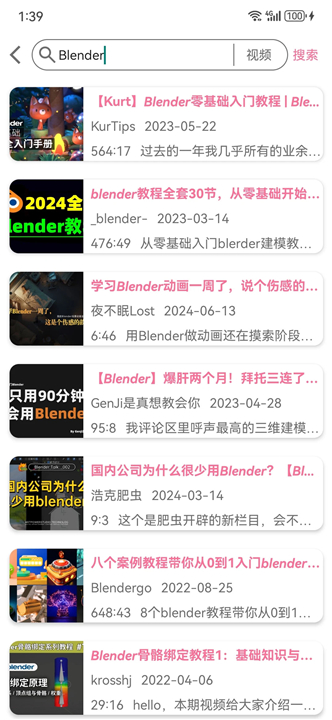
• Supports direct searching for Bilibili videos and dramas within the application itself, streamlining the process of discovering and acquiring desired content.
Usage Instructions:
• To initiate a download, simply paste the Bilibili video address (which can be a standard URL, a share link, or specific identifiers like BV, AV, EP, and SS) into the input box on the "parse" tab, then click the "parse" button.
Important Notes:
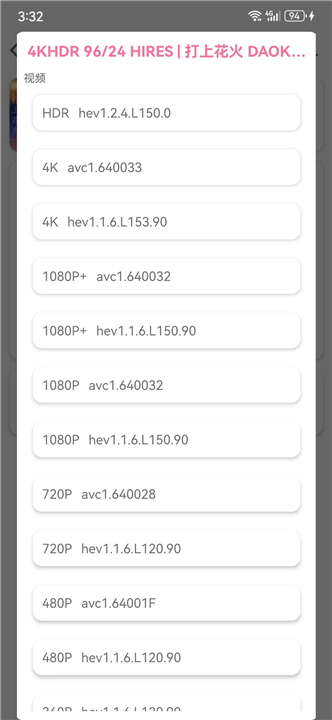
• Accessing certain videos, particularly those with resolutions exceeding 720p or restricted content, may require logging into a valid Bilibili account through the downloader.
Availability:
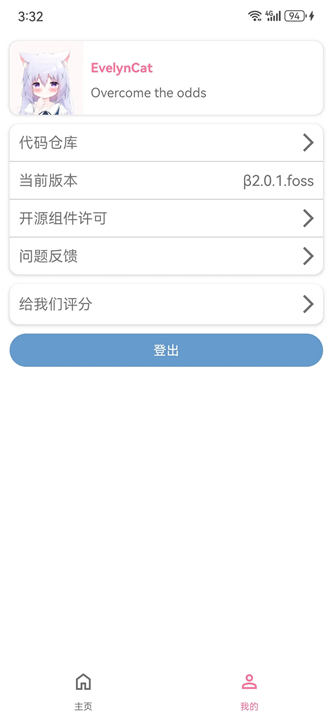
• BVD is an open-source project, with its source code and further details available on GitHub at: https://github.com/KafuuNeko/BiliDownload
FAQ
Q: Is BVD an official application provided by Bilibili?
A: No, BVD is not an official product of Bilibili. It is an independent, open-source project developed by the community. You can find the source code and contribute to its development on the official GitHub repository provided by the creator.
Q: What types of Bilibili content can I download using this tool?
A: The application is quite versatile and supports the vast majority of content available on the site. This includes standard user-uploaded videos, popular anime bangumi series, full-length television series, and cinematic movies, ensuring you have a comprehensive library at your fingertips.
Q: How do I initiate a download once I have the app open?
A: Starting a download is quite straightforward. You simply need to copy the URL or the specific identifier of the video—such as the BV, AV, EP, or SS code—and paste it into the designated input box located on the "parse" tab within the application. Once pasted, just click the "parse" button to begin.
Version History
v2.3.7——14 Sep 2026
Free and Open Source Bilibili Video Downloader Download the latest version of BVD to enjoy new features and updates immediately!
*2.3.7
优化主页样式
支持查看稍后再看列表以及后台播放
支持视频小窗口播放
*2.3.6
支持视频与剧集列表多选及多分 P 批量下载
支持配置批量下载画质不一致策略
支持通过系统分享导入视频与通知跳转
升级 Android 17 API 37 并完成兼容适配
修复取消选择弹窗后下载状态未恢复
修复配置重建与本地网络权限判断问题
修复重复下载任务导致前台服务无法退出
*2.3.5
• 新增内置视频与音频播放器,支持倍速播放、其他应用打开及音频频谱显示
• 新增字幕下载、批量删除与导出功能,并优化弹幕下载确认流程
• 更换为内置下载引擎,增强下载任务的中断恢复能力
• 支持选择下载源、自动转换音频封装,以及合并后自动删除源文件
• 支持切换内部或外部下载位置;外部下载可自定义文件名,并可直接保存至系统媒体库
• 个人主页新增搜索和最近点赞视频
• 修复外部下载文件删除后存储空间未释放等问题
- Version number2.3.7
- System Requirements5.0 and up
- Is there a feeFree(In game purchase items)
- AppSize44.70M
- AppLanguage English
- Publisherkafuu
- Package Namecc.kafuu.bilidownload
- MD5
- Content RatingTeenDiverse Content Discretion Advised
- Privilege19











8.1
9018 Human Evaluation
- 5星
- 4星
- 3星
- 2星
- 1星