
Avast SecureLine VPN & Privacy
- 9.8
130Evaluation
- 8016+
downloads
- 16+
Over 16 years old
Avast SecureLine VPN & Privacy
Overview
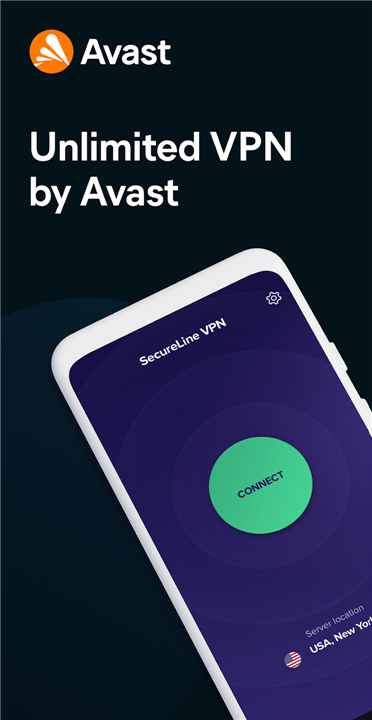
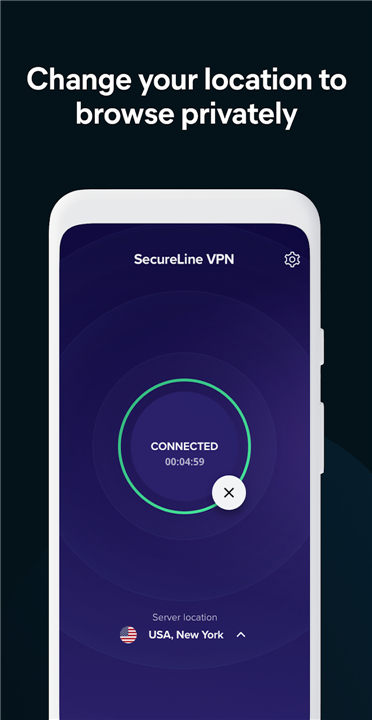
• Upgrade your mobile security with Avast SecureLine VPN, a fast and dependable way to reclaim your online freedom.
• This app acts as a digital shield, ensuring your Android device remains private whether you are at home or on the move.
Why You Should Choose SecureLine
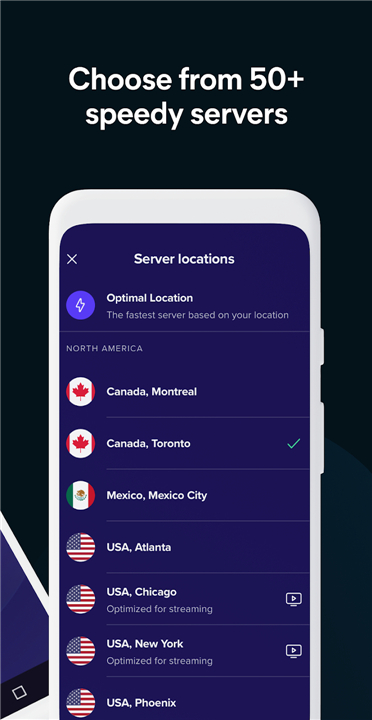
• Lightning-Fast Performance: A vast network of global servers ensures your connection stays quick and responsive.
• Single-Tap Security: Protect your data instantly with a simple, user-friendly interface.
• Proven Reliability: Join millions of users who rely on Avast's world-class security expertise.
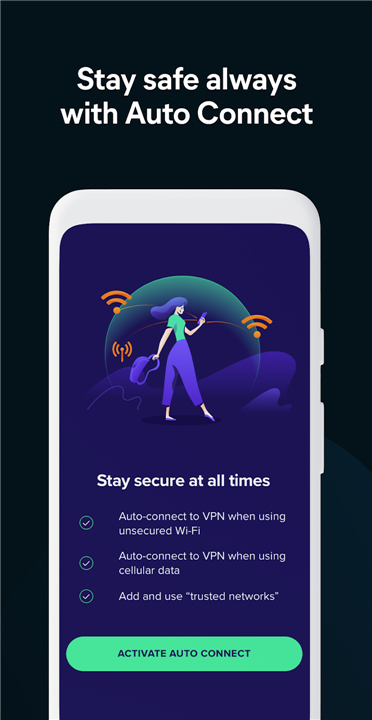
• Always Active: The app automatically reconnects when you switch between cellular data and Wi-Fi, so you are never left vulnerable.
• Dedicated Support: Access fast and helpful customer service whenever you need assistance.
Enhance Your Internet Experience
• Unrestricted Access: Easily bypass geo-blocks to reach your favorite websites and apps from any location.
• Public Wi-Fi Safety: Encrypt your data on open networks to prevent hackers from intercepting your personal information.
• Complete Privacy: Anonymize your browsing history, banking logins, and private chats by masking your IP address.
• Home Screen Control: Use the handy dashboard widget to toggle your protection on or off with one click.
Privacy for the Big Screen
• Android TV Integration: Experience the same high-level security on your Smart TV.
• Limitless Streaming: Access international content libraries directly through your television.
• Comprehensive Protection: Keep your viewing habits private while enjoying the convenience of a connected home.
How the Technology Works
• Avast SecureLine creates an encrypted "tunnel" for your data to travel through.
• By wrapping your internet connection in this virtual layer of security, it hides your true location and identity.
• This process makes it nearly impossible for outside intruders to monitor your activity, keeping you safe on any network.
FAQ
Q: How does using a VPN change my appearance to websites?
A: When you connect to the VPN, it masks your actual IP address with one from a server of your choosing. This makes it appear as though you are browsing from a different location, which effectively obscures your true identity and geographic origin from the websites you visit.
Q: Will using a VPN significantly slow down my internet connection?
A: Avast SecureLine VPN is designed for lightning-fast performance. While any VPN might introduce a very slight latency due to the encryption process, Avast utilizes a vast global network of servers to ensure that your browsing, streaming, and downloading remain quick and responsive.
Q: Can I use Avast SecureLine VPN on my Android TV?
A: Yes, absolutely. The app is fully optimized for Android TV integration, allowing you to enjoy the same high-level security and privacy protections on your television as you do on your smartphone.
Version History
v7.1.14681——22 Apr 2026
Protect your privacy with Avast SecureLine VPN. Enjoy lightning-fast, encrypted browsing on Android and TV. Stay secure on public Wi-Fi. Download the latest version of Avast SecureLine VPN & Privacy to enjoy new features and updates immediately!
*7.1.14681
Minor bug fixes and improvements. Install or update to the newest version to check it out!
*7.1.14679
Minor bug fixes and improvements. Install or update to the newest version to check it out!
*6.78.14610
Minor bug fixes and improvements. Install or update to the newest version to check it out!
- Version number7.1.14681
- System Requirements5.0 and up
- Is there a feeFree(In game purchase items)
- AppSize28.69M
- AppLanguage English
- PublisherAvast Software
- Package Namecom.avast.android.vpn
- MD57149578d040753844f46651ff5448801
- Content RatingTeenDiverse Content Discretion Advised
- Privilege19
-
Avast SecureLine VPN & Privacy 7.1.14681Install
28.69M2026-09-13Updated










9.8
1508 Human Evaluation
- 5星
- 4星
- 3星
- 2星
- 1星