

AI Video Editor - VideoShow AI
- 9.7
9380Evaluation
- 1170+
downloads
- 16+
Over 16 years old
AI Video Editor - VideoShow AI
Unleash Your Inner Storyteller
• Experience the future of video creation with VideoShow AI, where your imagination takes center stage.
• Powered by cutting-edge models like VEO 3, Pixverse, Vidu, Kling, and Hailuo, VideoShow empowers you to effortlessly transform ideas into stunning, shareable videos.
• From spontaneous vlogs to cinematic narratives, we ignite your creativity and bring your stories to life like never before.
Key Features to Inspire Your Creations:
1. AI-Driven Generation:
• Text to Video: Simply type your vision, and AI instantly animates your story.
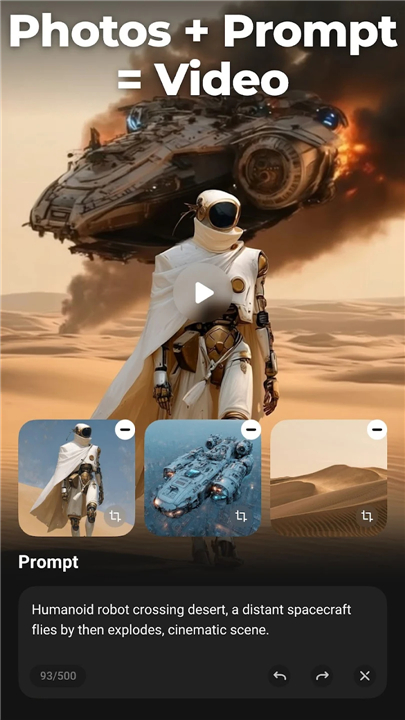
• Image/Photo to Video: Upload pictures, and let AI breathe dynamic life into them.
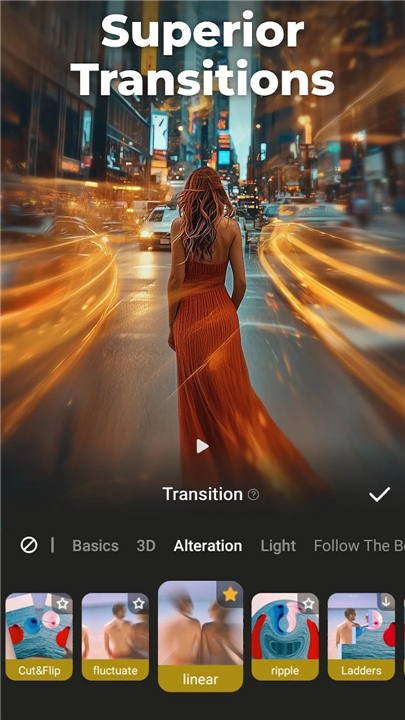
• AI Keyframe & Blending: Create seamless transitions between images or intelligently combine elements for fluid, engaging scenes.
• Smart Auto-Editing: Choose your content, and let AI automatically apply perfect effects, filters, and themes for a polished finish.
2. Professional Editing, Simplified:
• Flawless Quality: Export your masterpieces in pristine 4K HD, with no quality loss and no watermarks (VIP).
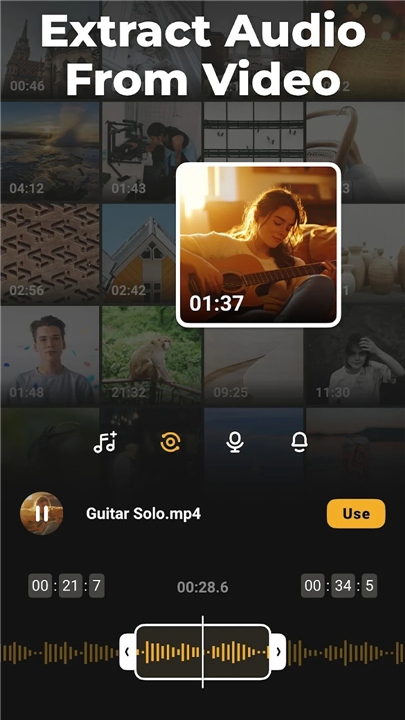
• Audio Command: Extract clear audio, convert videos to music, and craft personalized voice-overs with AI voice transformation.
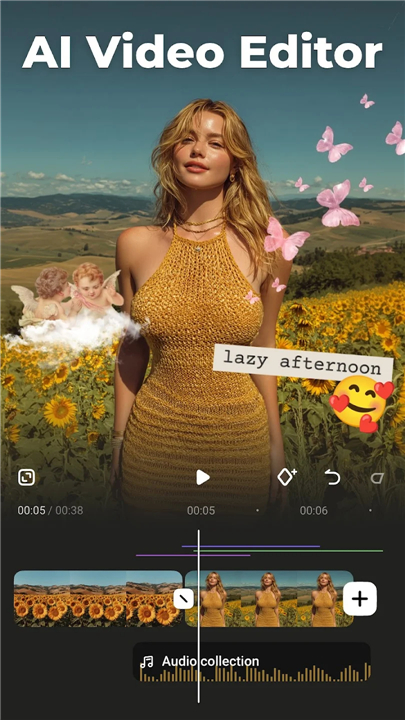
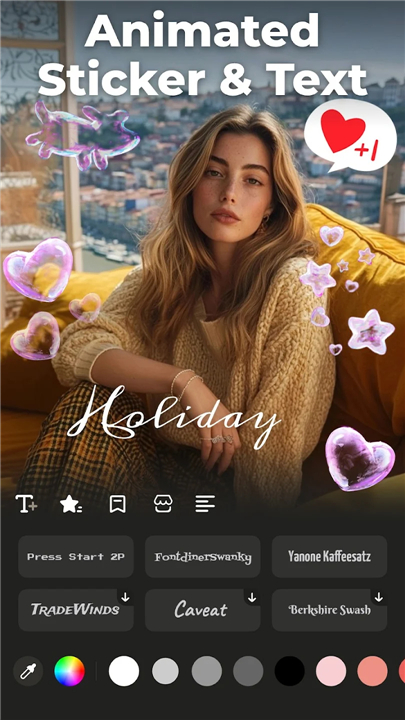
• Visual Mastery: Utilize video overlays for striking double exposures, add artistic filters, animated emojis, and dynamic scroll texts.
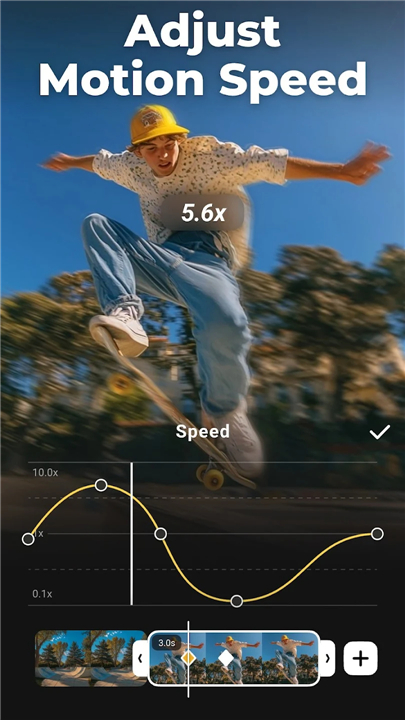
• Intuitive Controls: Effortlessly splice, merge, trim, zoom, and adjust speeds for precise storytelling and dramatic impact.
3. Intelligent Enhancements:
• Effortless Subtitles: AI-powered speech-to-text automatically generates accurate captions, freeing you from manual typing.
• Voice Transformation: Explore countless vocal styles and effects with the AI voice changer.
• Artistic Privacy: Apply AI Mosaic for stylized effects or to discreetly protect sensitive information.
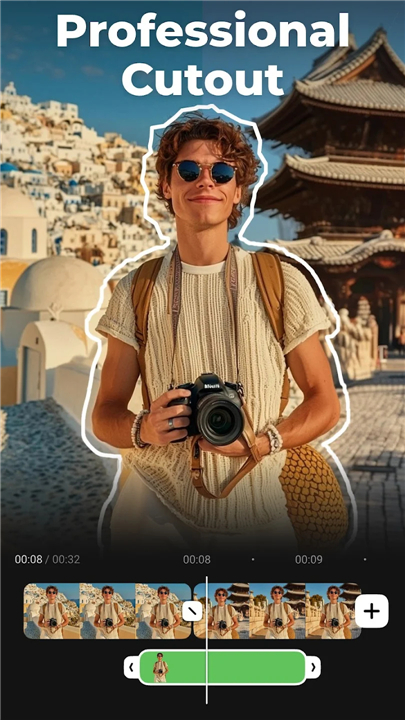
• Custom AI Effects: Access unique, customized video filters and effects, including stroke and auto-blur.
4. Share Your Masterpiece:
• Universal Compatibility: Easily adjust video ratios optimized for Instagram, TikTok, Facebook, and other popular platforms.
• Seamless Export: Save to your album or directly share your GIFs, 480p, 720p, Full HD 1080p, and Ultra HD 4K videos across all major social networks with a single click.
With VideoShow AI, turn imagination into captivating reality
• Create viral, fun, and high-quality videos that resonate and inspire, all with unparalleled ease and ground-breaking innovation.
Disclaimer:
• VideoShow is not affiliated, associated, sponsored, endorsed by, or in any way officially connected with Instagram, TikTok, WhatsApp, YouTube, Facebook, Twitter, REDnote.
FAQ
Q: How does VideoShow AI simplify the video creation process for users?
A: VideoShow AI significantly simplifies video creation by taking the heavy lifting out of editing. With its AI-driven features, you can literally type out your story, upload a few pictures, and let the intelligence behind the app generate dynamic video sequences, apply smart effects, and even create seamless transitions automatically. It's about bringing your vision to life without the complex manual work.
Q: Which advanced AI models power VideoShow AI's capabilities?
A: VideoShow AI is at the forefront of video creation, powered by cutting-edge models such as VEO 3, Pixverse, Vidu, Kling, and Hailuo. These sophisticated technologies work behind the scenes to ensure that your videos are not only easy to produce but also feature high-quality generation and intelligent enhancements, truly experiencing the future of video creation.
Q: Can I create an entire video just from text or images using VideoShow AI?
A: Absolutely! This is one of VideoShow AI's most exciting features. You can simply type your vision or script using the "Text to Video" function, and the AI will instantly animate your story. Similarly, with "Image/Photo to Video," you can upload your pictures and watch as the AI breathes dynamic life into them, turning static images into compelling video narratives.
Version History
v10.2.4.4 cn——13 Apr 2026
Al Video Generator: Photo to Video, Edit Video with Effects, Music, Auto Caption Download the latest version of AI Video Editor - VideoShow AI to enjoy new features and updates immediately!
*10.2.4.4 cn
Minor bug fixes and improvements. Install or update to the newest version to check it out!
*10.2.4.3 cn
Minor bug fixes and improvements. Install or update to the newest version to check it out!
*10.2.4.2 cn
Minor bug fixes and improvements. Install or update to the newest version to check it out!
- Version number10.2.4.4 cn
- System Requirements5.0 and up
- Is there a feeFree(In game purchase items)
- AppSize125.55M
- AppLanguage English
- PublisherVIDEOSHOW Video Editor & Maker & AI Chat Generator
- Package Namecom.xvideostudio.videoeditor
- MD5
- Content RatingTeenDiverse Content Discretion Advised
- Privilege19
-
AI Video Editor - VideoShow AI 10.2.4.4 cnInstall
125.55M2026-09-13Updated










9.7
3473 Human Evaluation
- 5星
- 4星
- 3星
- 2星
- 1星