

EmuBox - All in one emulator
- 9.7
4290Evaluation
- 819+
downloads
- 16+
Over 16 years old
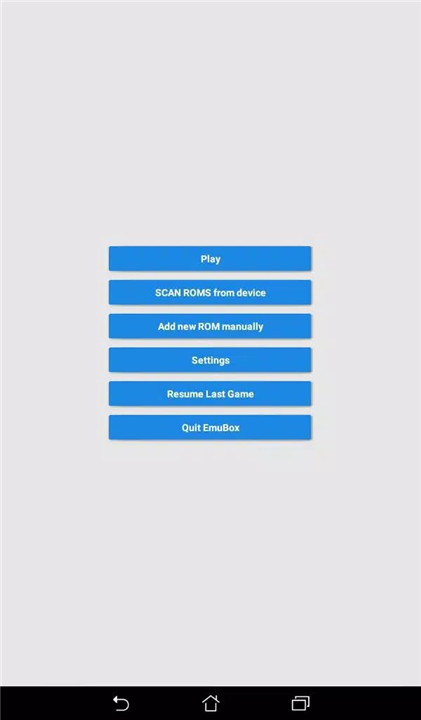
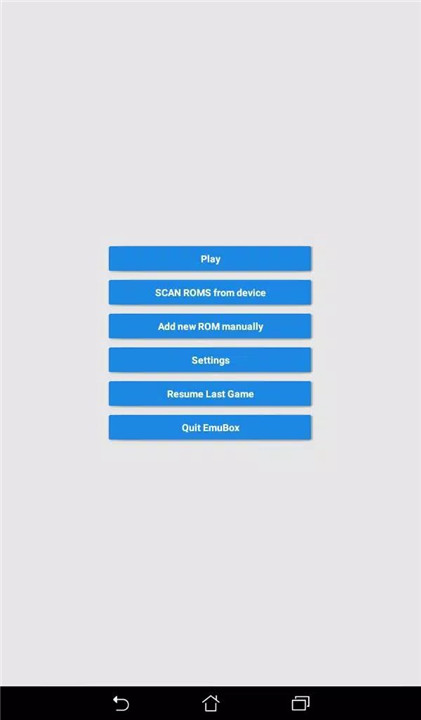
EmuBox is a modern, all-in-one console emulator designed to bring classic gaming experiences to Android devices. Built with a clean Material Design interface, EmuBox combines multiple emulation systems into a single, streamlined app. By scanning personal game files, classic console titles can be played directly on a phone with smooth performance and flexible controls.
All-in-One Emulator Solution
EmuBox combines multiple console emulators into one app, eliminating the need to install and manage separate emulators. Supported systems include PSX (PS1) and Nin emulation, allowing a wide range of classic games to be played from a single interface.
Modern Material Design Interface
As one of the first multi-emulators built with Material Design, EmuBox delivers a clean, intuitive layout that makes browsing and managing game libraries easy. Menus are responsive and visually consistent, creating a smooth user experience across devices.
Scan and Play Personal Game Files
EmuBox scans locally stored game files and automatically organizes them into a playable library. This makes it simple to access personal ROM backups without manual configuration. Games load quickly and are ready to play with minimal setup.
Save and Load Game States
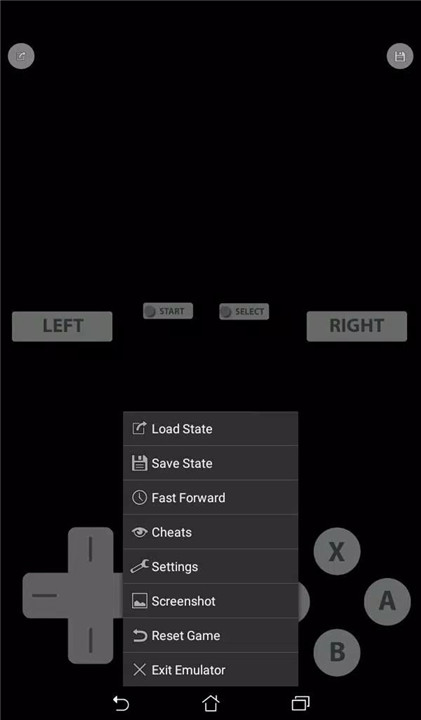
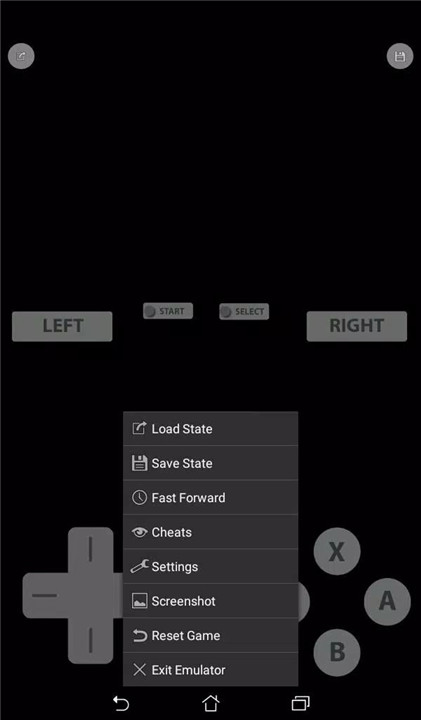
Up to 20 save slots are supported for each game. This feature allows progress to be saved at any moment and resumed later, offering flexibility beyond traditional in-game save systems. It is ideal for short play sessions or challenging sections.
Fast Forward Support
Fast forward functionality enables gameplay speed adjustments. This feature is useful for reducing downtime, speeding through repetitive sections, or progressing quickly through slower moments in classic titles.
Screenshot Capture
Screenshots can be taken at any time during gameplay. This makes it easy to capture memorable moments, achievements, or favorite scenes directly from the emulator.
External Controller Compatibility
EmuBox supports external controllers, including wired gamepads and Bluetooth controllers. This allows a more authentic console-style experience and provides flexible control options beyond on-screen buttons.
Performance Optimization Settings
Advanced emulator settings can be adjusted to optimize performance for different devices. These options help balance speed, stability, and visual quality, ensuring smooth gameplay across a range of Android hardware.
ROM-Free and User-Owned Content
EmuBox does not include any game ROMs. The emulator is intended strictly for playing private ROM backups owned by the user, keeping the platform focused on emulation functionality rather than content distribution.
FAQs
1. What is EmuBox?
EmuBox is an all-in-one console emulator for Android that supports multiple classic gaming systems in a single app.
2. Does EmuBox include games?
No. EmuBox does not provide any game ROMs and is designed to run personal ROM backups only.
3. Which consoles are supported?
EmuBox supports PSX (PS1) emulation and Nin emulation, with additional systems managed through the multi-emulator framework.
4. Can game progress be saved anytime?
Yes. EmuBox supports save and load states with up to 20 save slots per game.
5. Are external controllers supported?
Yes. EmuBox works with wired and Bluetooth gamepads for enhanced control and gameplay comfort.
Version History
v3.5—20 Dec, 2025
- Update library.
- Fix bugs on some devices.
v3.41—12 Aug, 2025
* Upgrade to Android SDK 36.
v3.40—17 Jan, 2024
- Improve app stability.
- Version number3.5
- System Requirements5.0 and up
- Is there a feeFree(In game purchase items)
- GameSize46.20M
- GameLanguage English
- PublisherEmuBox JSC
- Package Namecom.emulator.box.aio
- MD5
- Content RatingTeenDiverse Content Discretion Advised
- Privilege19
-
EmuBox - All in one emulator 3.5Install
46.20M2026-03-14Updated










9.7
9716 Human Evaluation
- 5星
- 4星
- 3星
- 2星
- 1星