

Sketch a Day: what to draw
- 9.4
1784Evaluation
- 9373+
downloads
- 16+
Over 16 years old
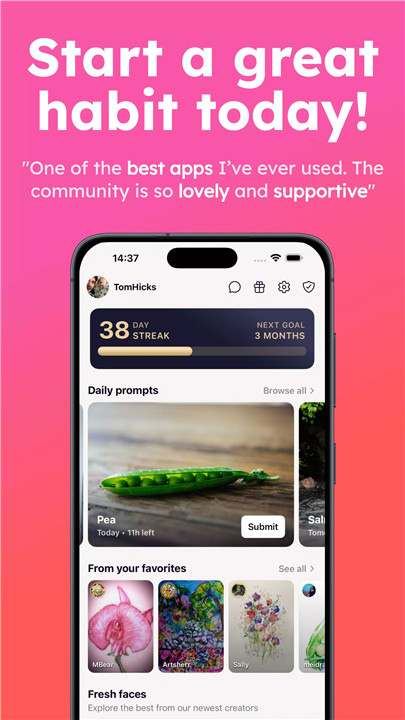
Boost creativity with Sketch a Day – a vibrant drawing community built around daily inspiration and artistic growth. The concept is simple yet powerful: every day a new drawing subject is announced, encouraging artists to create and share sketches based on that theme. With hundreds of thousands of artists participating worldwide, the platform offers a supportive space for creativity, learning, and artistic exploration.
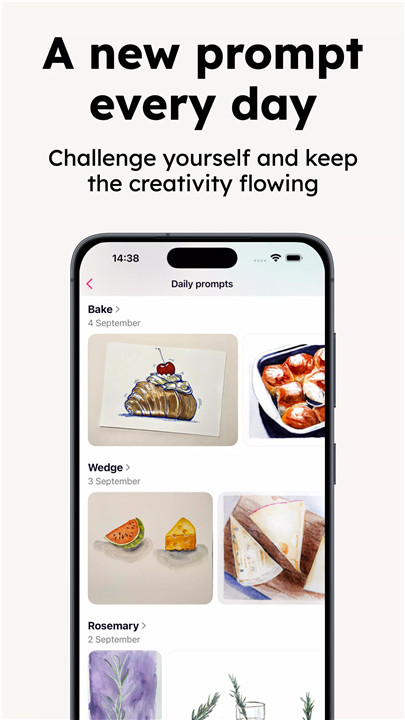
Daily Drawing Prompts
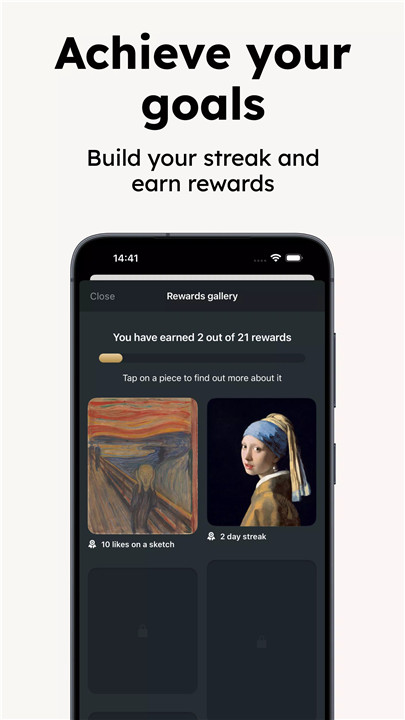
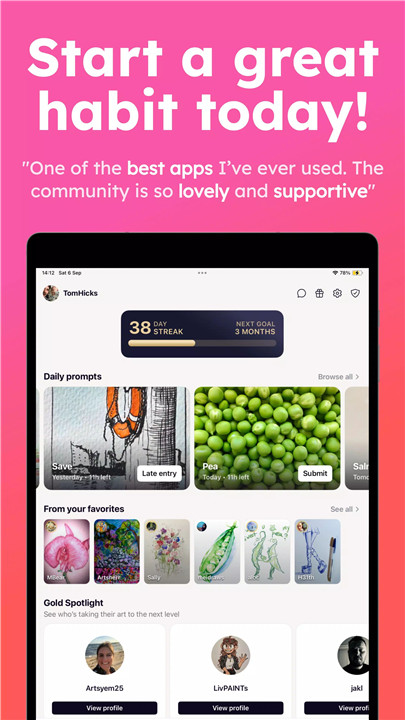
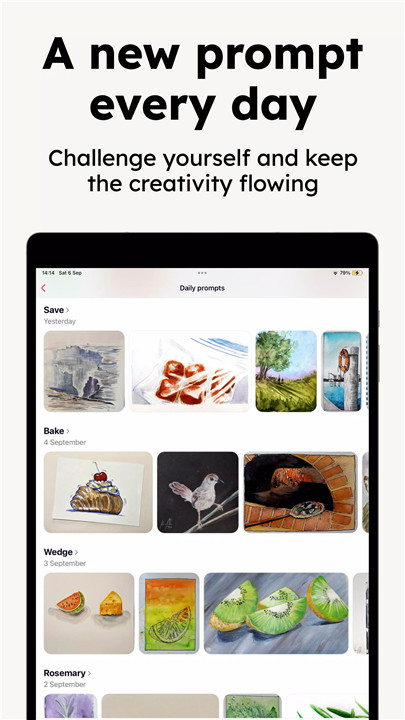
Sketch a Day introduces a new subject every day, providing fresh inspiration and motivation to create. These prompts help eliminate creative blocks and encourage artists to experiment with new ideas, themes, and techniques. The daily challenge format helps build a habit of drawing consistently.
Global Creative Community
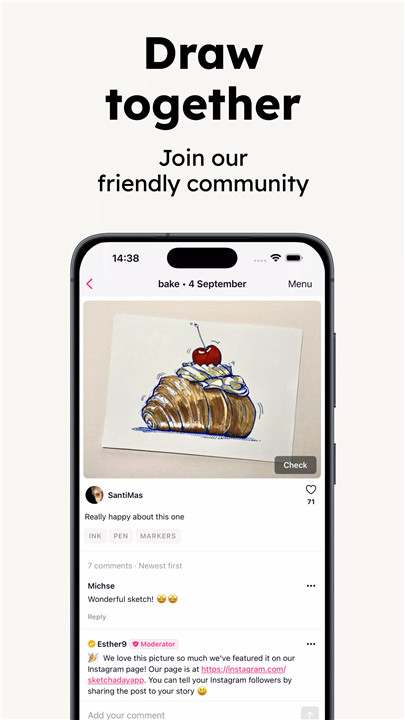
The app connects a growing global community of more than 300,000 artists. Members from different backgrounds and skill levels share their work, exchange ideas, and support each other’s creative journeys. This collaborative environment fosters inspiration and encourages artistic development.
Flexible Artistic Mediums
Sketch a Day supports all forms of creative expression. Artists can upload drawings made with pencils, ink, watercolor, acrylic paint, or digital art tools. This flexibility allows creators to experiment with various mediums and styles without limitations.
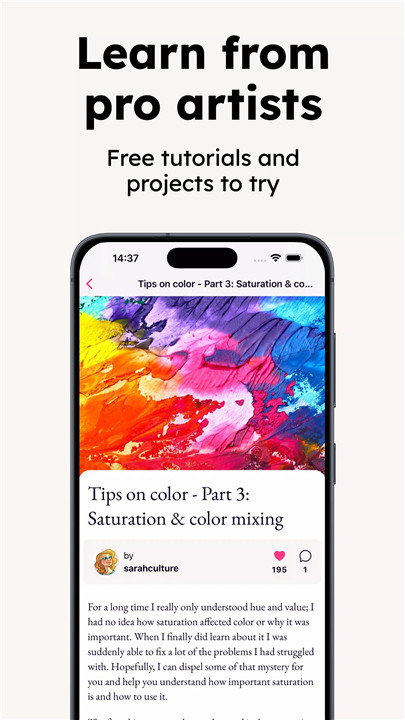
Learn Section with Tutorials
The Learn section offers helpful tutorials from talented artists within the community. Topics range from watercolor techniques and creative crafts to figure drawing and sketching tips. These lessons help beginners improve their skills while giving experienced artists new ideas and methods to explore.
Track Artistic Progress
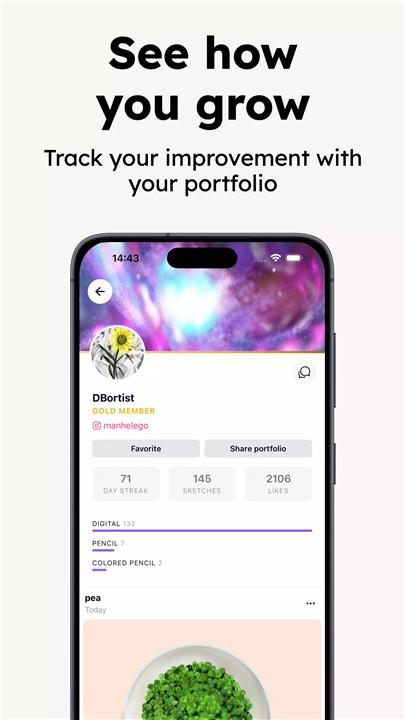
Multiple submissions can be uploaded each day, allowing artists to document their creative journey. Over time, the collection of sketches forms a visual record of improvement, experimentation, and personal growth.
Positive Habit and Mindfulness
Daily sketching can promote relaxation, mindfulness, and mental well-being. The process of drawing encourages focus and creativity while offering a calm and rewarding activity. Many artists find that maintaining a regular sketching habit supports overall wellness and confidence.
Social Interaction and Sharing
Community interaction plays an important role within the app. Artists can comment on sketches, ask questions about techniques, share advice, or simply offer encouragement. Drawings can also be shared directly on social media platforms such as Facebook, and Instagram profiles can be linked for easy follower connections.
Parental Controls for Safer Use
Sketch a Day includes parental control settings to ensure a safer environment for younger users. A PIN system can restrict access to adult content, helping families create a more controlled and appropriate experience.
FAQs
Q1: What is Sketch a Day?
Sketch a Day is a drawing app that provides daily art prompts and connects artists in a global community to share sketches and inspiration.
Q2: Do artists need to use a specific drawing medium?
No, the app supports all types of artwork including pencil sketches, watercolor paintings, ink drawings, and digital illustrations.
Q3: What is the Learn section in Sketch a Day?
The Learn section contains tutorials from experienced artists that teach various techniques such as watercolor painting, sketching, and creative art practices.
Q4: Can drawings be shared outside the app?
Yes, artwork can be shared directly to social platforms like Facebook, and users can link their Instagram accounts for additional exposure.
Q5: Is Sketch a Day suitable for beginners?
Yes, the platform welcomes artists of all skill levels and provides tutorials, daily prompts, and community support to help beginners improve their drawing skills.
Version History
v2.0.7—1 May, 2024
The most requested feature since the relaunch, aside from dark mode, is being able to zoom into images. Now you can!
v2.0.6—30 Apr, 2024
– Fixes an issue with not being able to see your weekly summary on some devices
v2.0.5—30 Apr, 2024
• now you can see the sketch in the comments page
• fixes an issue with editing your posts
• provides a workaround for facebook login no longer working
- Version number2.0.7
- System Requirements5.0 and up
- Is there a feeFree(In game purchase items)
- AppSize102.46M
- AppLanguage English
- PublisherTom Hicks
- Package Nameme.tomhicks.asketchaday
- MD57f916298e62709f2551a89a0e304e53f
- Content RatingTeenDiverse Content Discretion Advised
- Privilege19
-
Sketch a Day: what to draw 2.0.7Install
102.46M2026-03-16Updated










9.4
9364 Human Evaluation
- 5星
- 4星
- 3星
- 2星
- 1星