
Google Calendar
- 8.5
1990Evaluation
- 8367+
downloads
- 16+
Over 16 years old
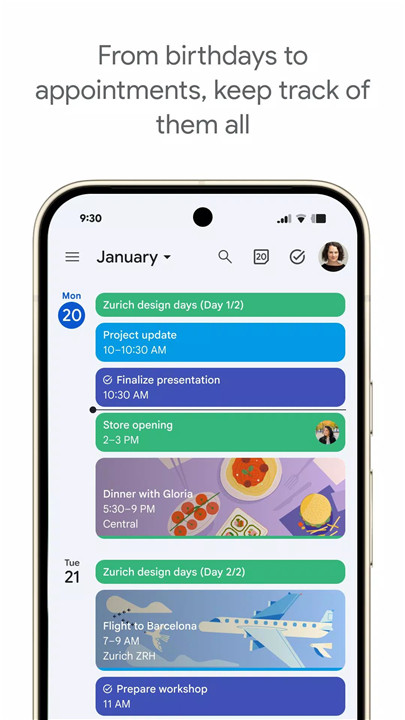
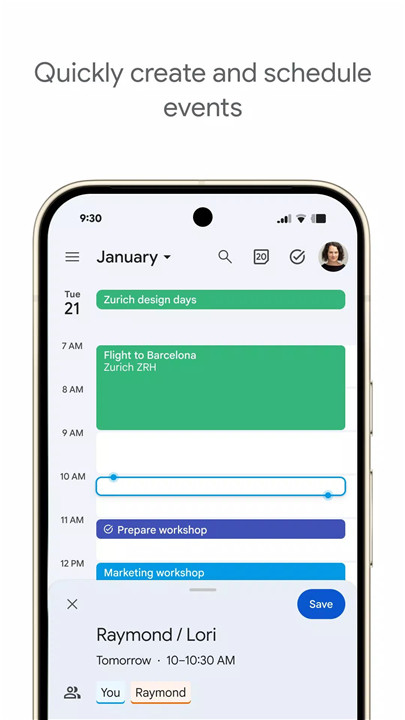
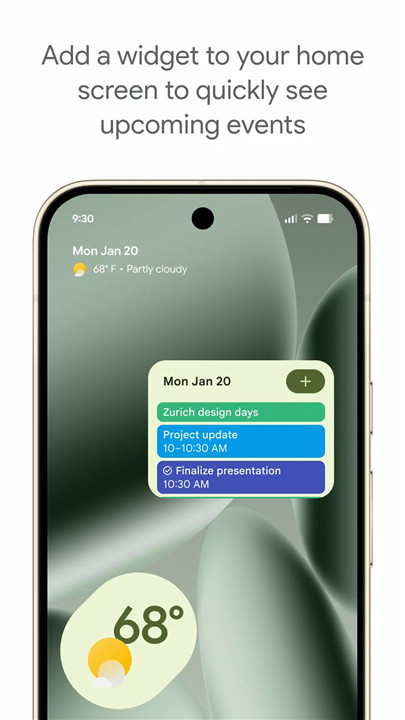
Google Calendar is the official app designed to help users stay organized and efficiently plan their day across Android phones, tablets, and Wear OS devices. The app integrates events, tasks, and multiple calendars into a single, intuitive platform, providing customizable views, reminders, and collaborative features. With seamless syncing across devices, Google Calendar ensures schedules are always up-to-date and accessible anytime, anywhere.
Automatic Event Creation from Gmail
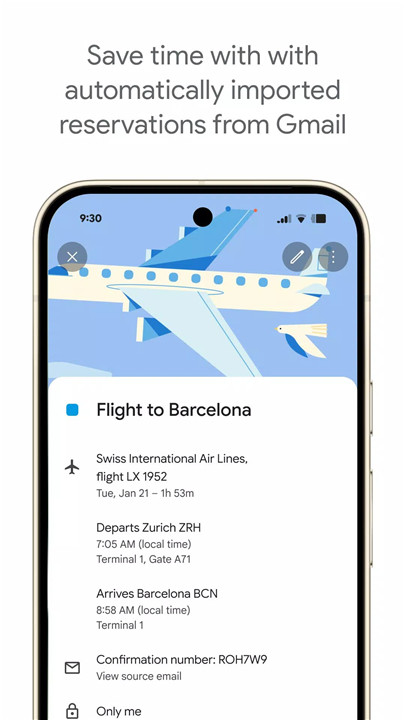
Google Calendar automatically adds important events from Gmail, including flight details, hotel reservations, concert tickets, and restaurant bookings. This feature eliminates manual entry and keeps all key plans organized in one place, ensuring users never miss a reservation or appointment.
Cross-Device Syncing
Users can access Google Calendar on Android phones, tablets, Wear OS devices, and computers with the same Google account. Changes made on one device instantly appear on others, enabling continuous planning without interruption.
Consolidated Calendar Views
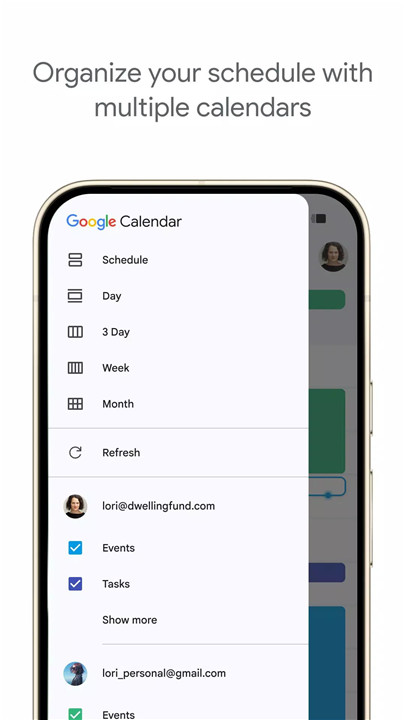
Google Calendar allows users to view multiple calendars side-by-side, including Google and non-Google calendars like Exchange. This unified view simplifies scheduling by providing a complete snapshot of all commitments in one place.
Shared Calendars and Collaboration
Calendars can be shared with family, friends, or colleagues, allowing others to view, add, or modify events. This feature supports teamwork, family planning, and group coordination by keeping everyone on the same schedule.
Customizable Views and Event Management
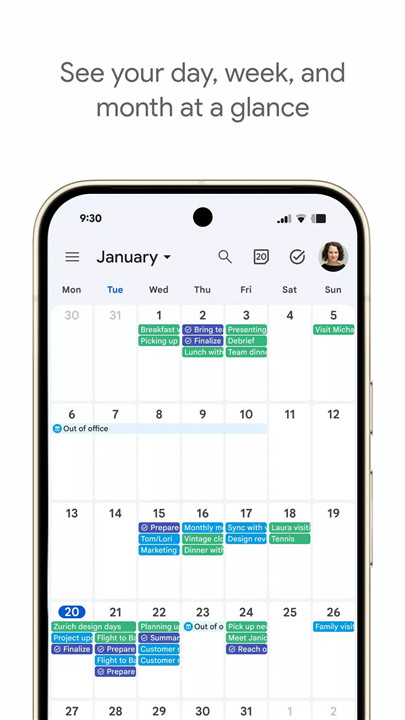
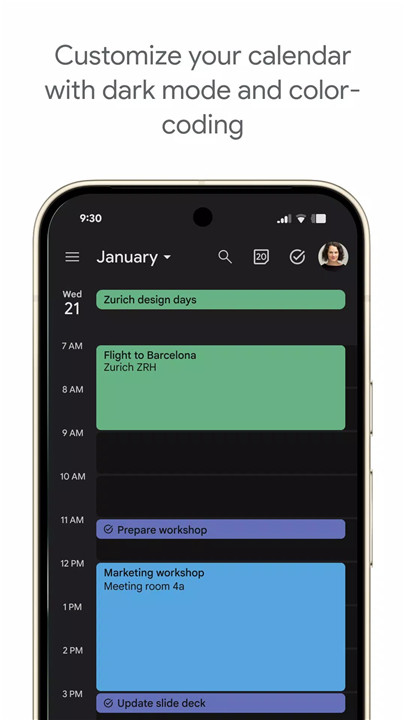
The app offers month, week, and day views for quick navigation, along with color-coding of events for easy visual organization. Users can create, edit, and manage tasks alongside events, ensuring that to-dos and appointments are always visible and manageable.
Wear OS Support
Google Calendar supports Wear OS devices, allowing users to track events and tasks on the go. Wear OS tiles and complications provide quick access to schedules without needing to pull out a phone.
Google Workspace Integration
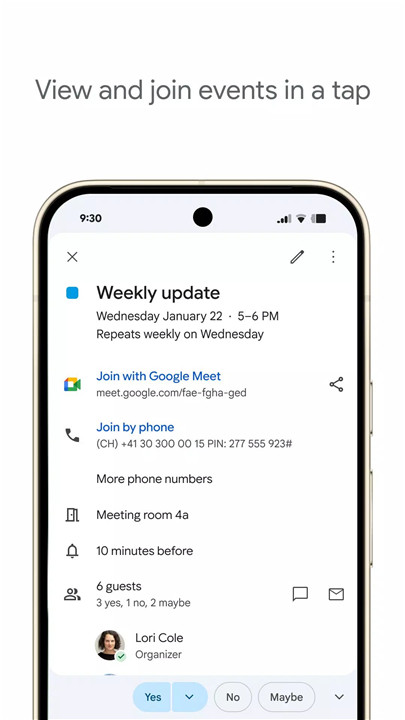
Part of Google Workspace, Google Calendar supports hybrid work and professional collaboration. Users can schedule Google Meet calls, book clients through professional booking pages, check teammates’ availability, and attach documents directly to calendar events. These features streamline team coordination, enhance productivity, and maintain professional organization.
Privacy and Security
Google Calendar benefits from enterprise-level privacy and data security provided by Google. Users can schedule and manage events with confidence, knowing that personal and professional data is protected.
FAQs
Q1: Can Google Calendar automatically add events from Gmail?
A1: Yes, events like flights, hotels, concerts, and restaurant bookings can be automatically added to the calendar from Gmail.
Q2: Is Google Calendar available on multiple devices?
A2: Yes, the app works on Android phones, tablets, Wear OS devices, and computers, with seamless syncing across all devices.
Q3: Can I share my calendar with others?
A3: Yes, calendars can be shared with family, friends, or colleagues, allowing them to view, add, or edit events.
Q4: Does Google Calendar support task management?
A4: Yes, users can create, manage, and organize tasks alongside events within the app, keeping schedules and to-dos in one place.
Q5: How does Google Calendar support professional collaboration?
A5: Integrated with Google Workspace, the app allows adding Google Meet calls, checking team availability, booking clients, and attaching documents to events.
- Version number2025.01.1-713312946-release
- System Requirements5.0 and up
- Is there a feeFree(In game purchase items)
- AppSize29.68M
- AppLanguage English
- PublisherGoogle LLC
- Package Namecom.google.android.calendar
- MD57a4a6cfce34bb86ca7276796225ea1b0
- Content RatingTeenDiverse Content Discretion Advised
- Privilege19
-
Google Calendar 2025.01.1-713312946-releaseInstall
29.68M2026-02-09Updated
-
谷歌日历 2024.24.1-644307830-releaseInstall
26.08M2026-02-09Updated










8.5
7162 Human Evaluation
- 5星
- 4星
- 3星
- 2星
- 1星