

Fulguris Web Browser
- 8.8
2887Evaluation
- 5242+
downloads
- 16+
Over 16 years old
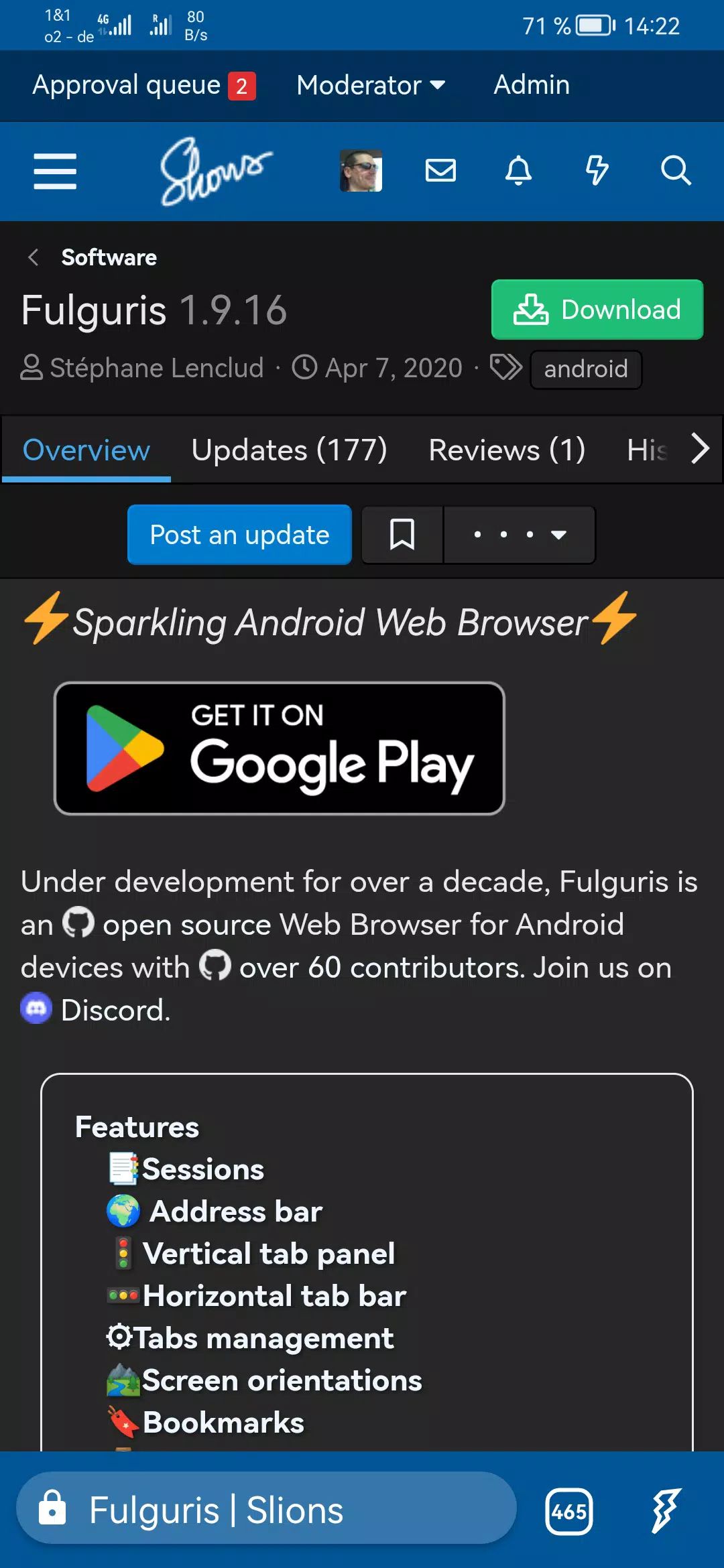
Fulguris Web Browser is a fast, secure, and highly customizable browser designed for modern devices. It focuses on efficient tab management, privacy, and flexibility, ensuring that browsing remains organized and smooth across multiple sessions. Its design balances speed, efficiency, and aesthetic appeal, making it suitable for casual browsing as well as advanced users who require control and privacy.
Sessions and Tab Management
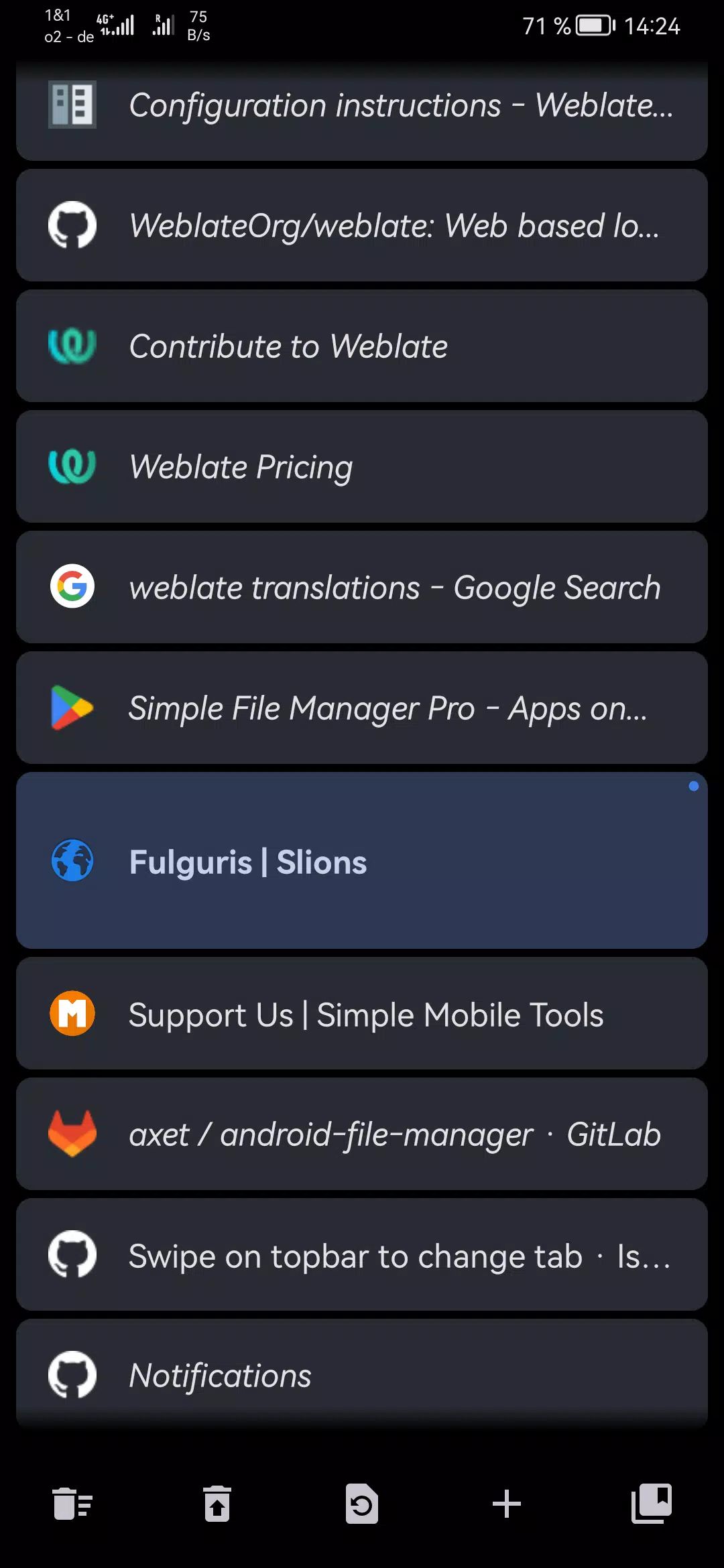
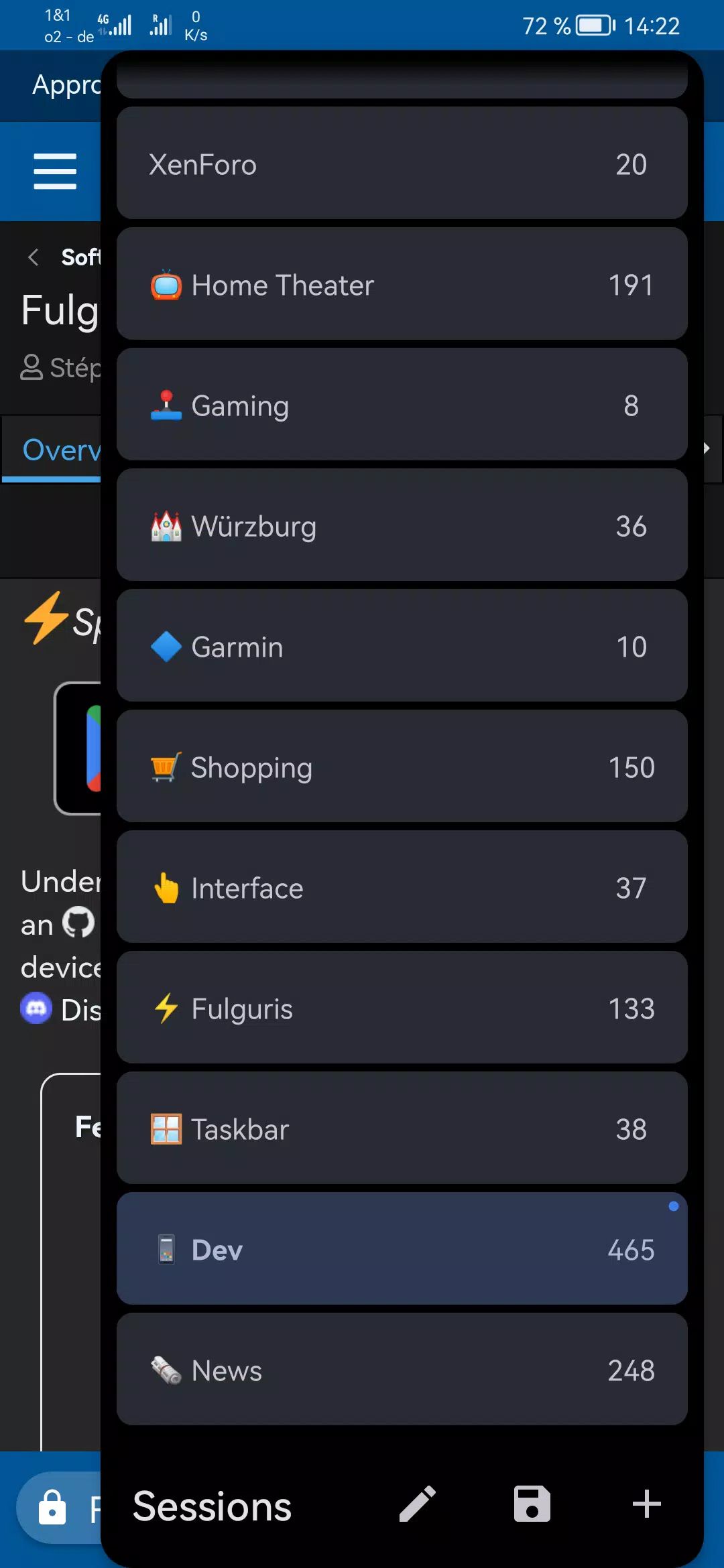
All tabs in Fulguris belong to named sessions, allowing users to organize work, research, or personal browsing efficiently. Switching between sessions is fast, and each session can contain hundreds of tabs. New tabs are automatically created as searches or addresses are input, while manual controls allow customization for users who prefer fewer tabs. Both vertical and horizontal tab layouts are supported, accommodating different device types and orientations. Tabs can be reordered with a long tap, swiped to trash, and recovered via the panel toolbar.
Smart Address Bar
The address bar combines URL input, title search, and search functionality in a single tool. It can be positioned at the top or bottom of the screen depending on the device orientation, providing maximum usability across all devices.
Bookmarks and History
Bookmarks can be imported, exported, grouped in folders, and organized using drag-and-drop. Users can also back up and restore bookmarks via cloud services. The browsing history is fully accessible and can be cleared at any time for privacy.
Privacy and Security
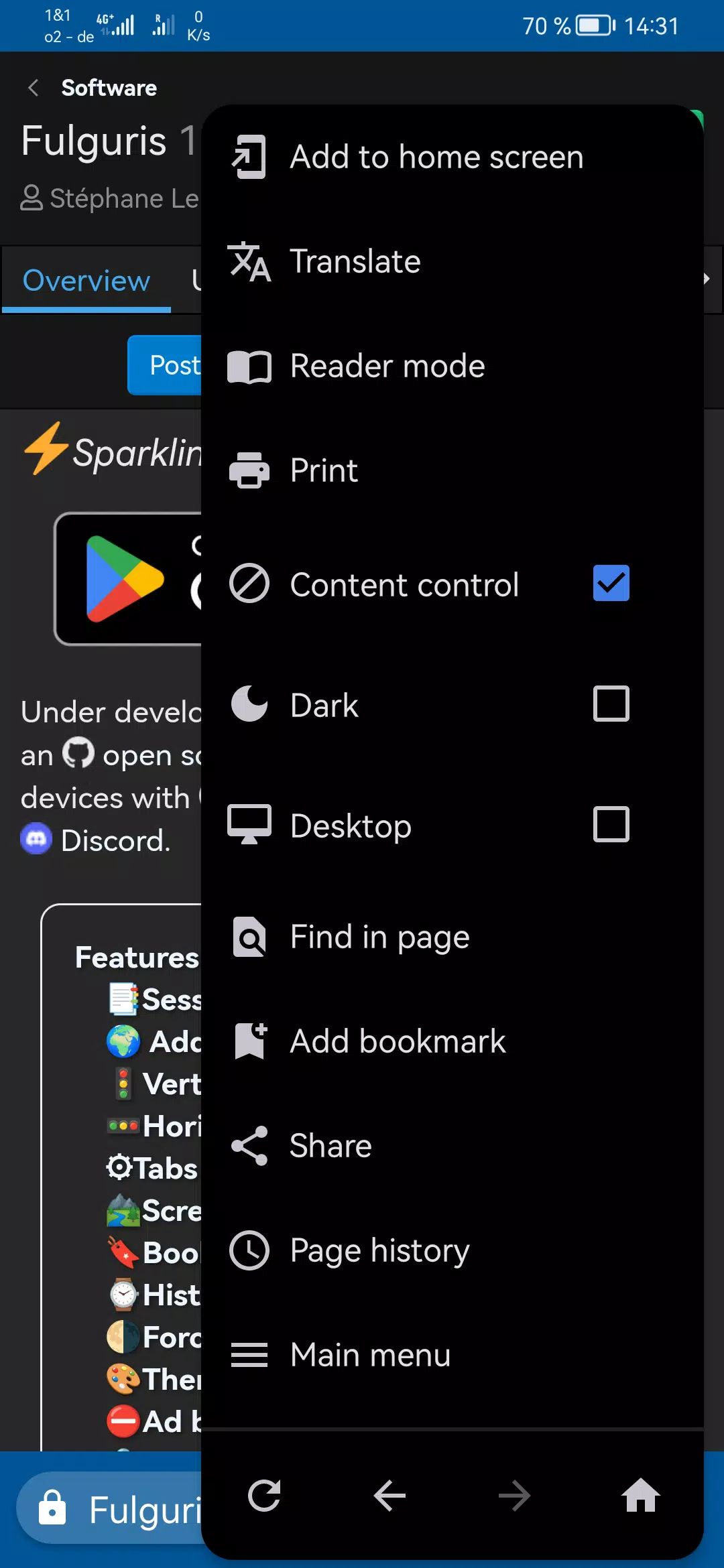
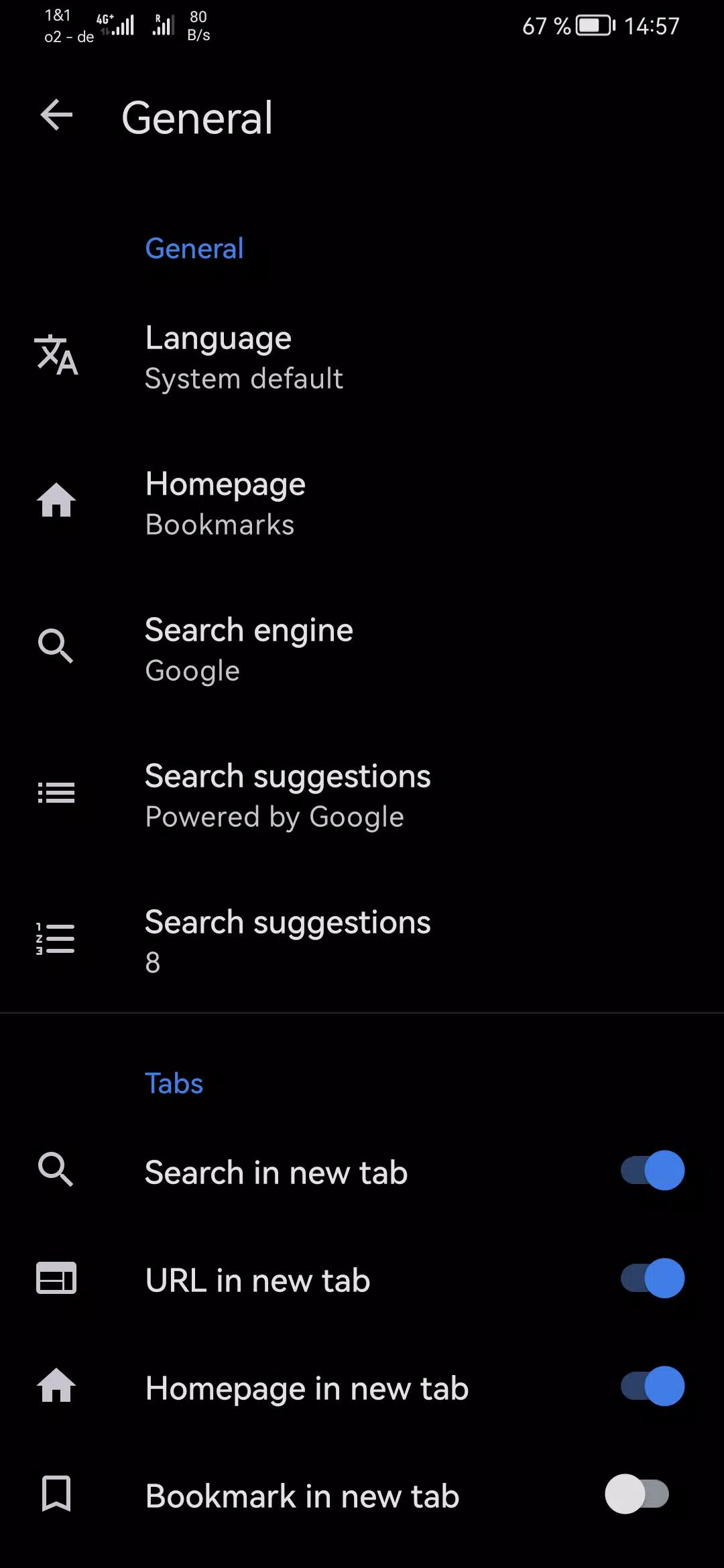
Fulguris protects user privacy with incognito mode, tracking cookie removal, and the ability to clear tabs, history, cookies, and cache. Third-party apps management ensures browsing data remains secure, while multiple search engines and “find on page” features make searching flexible and efficient.
Customization and Themes
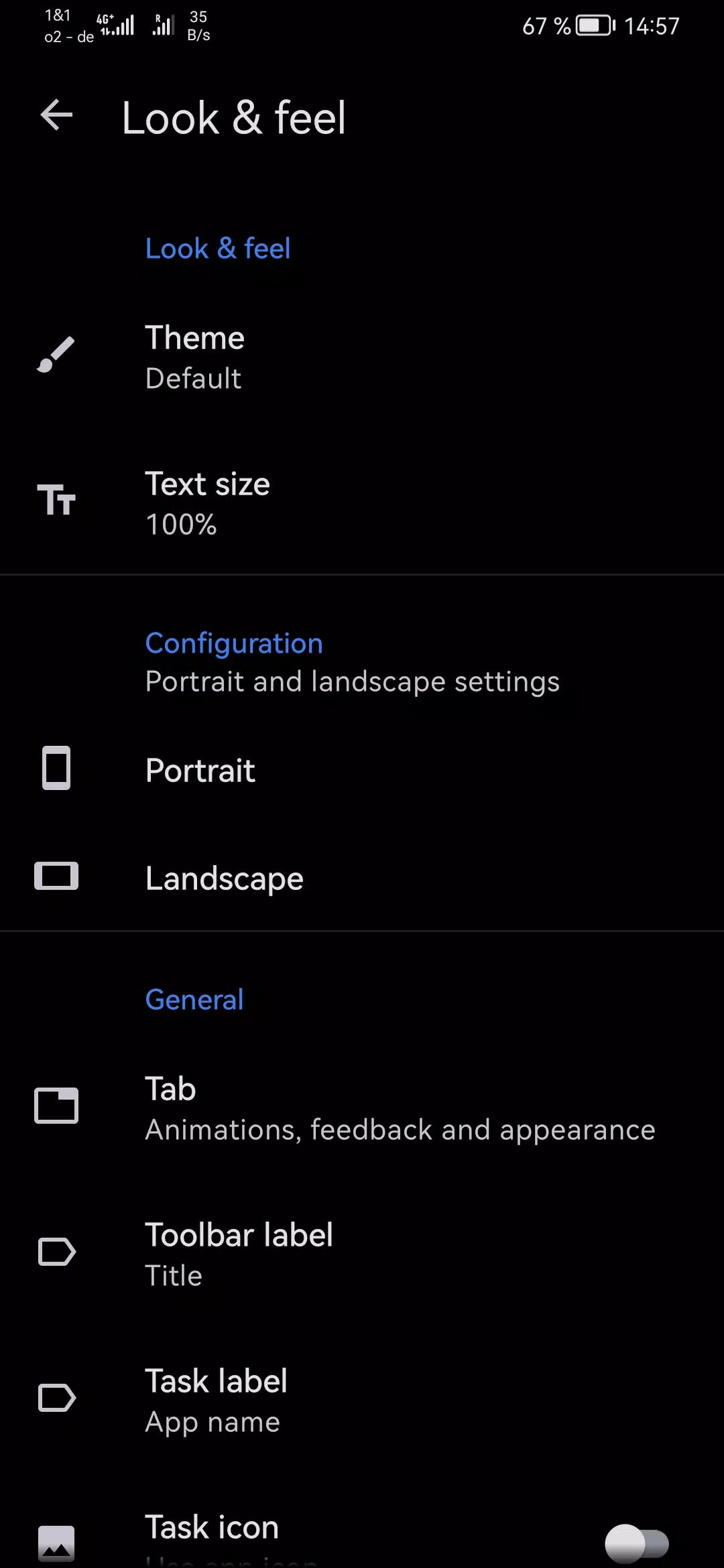
The browser supports black, dark, and light themes, as well as toolbar and status bar integration with favorite websites. Force dark mode is available for late-night reading, while reader mode and accessibility options like inverted, high-contrast, and grayscale rendering enhance usability.
Ad Blocking and Extensions
Users can block ads using local or online filter lists compatible with Adblock Plus syntax. Fulguris also supports userscripts from Greasy Fork, enabling advanced customizations and automation to enhance the browsing experience.
Hardware and Device Support
Fulguris leverages hardware acceleration for smooth performance and has been tested on devices such as Huawei P30 Pro, Samsung Galaxy Tab S6, F(x)tec Pro¹, LG G8X ThinQ, and more. Touch controls are optimized for organizing tabs and bookmarks, with intuitive gestures for closing, moving, and managing items efficiently.
Additional Features
Other notable features include multiple screen orientation settings, keyboard shortcuts, persistent recent tab lists for easy navigation, and extensive configuration options for fine-tuning the browser experience.
FAQs
Q1: Can Fulguris handle multiple tabs efficiently?
Yes. Fulguris supports named sessions with hundreds of tabs per session and provides vertical and horizontal tab management for easy organization.
Q2: How does Fulguris protect privacy?
The browser includes incognito mode, tracking cookie removal, and the ability to clear history, tabs, cookies, and cache. Third-party app management adds an extra layer of privacy.
Q3: Can I customize the appearance of Fulguris?
Yes. Fulguris supports black, dark, and light themes, reader mode, and forced dark mode for all pages. Toolbar and status bar colors can also integrate with favorite websites.
Q4: Does Fulguris block ads?
Yes. Ad blocker definitions from local and online files are supported, compatible with hosts files and most Adblock Plus syntax for widespread filter usage.
Q5: Which devices are compatible with Fulguris?
Fulguris runs on a wide range of Android devices, including Huawei P30 Pro, Samsung Galaxy Tab S6, F(x)tec Pro¹, LG G8X ThinQ, Samsung Galaxy S7 Edge, HTC One M8, and LG Leon.
Version History
v2.0.8—26 Jan, 2026
Improved delete all bookmarks confirmation dialog
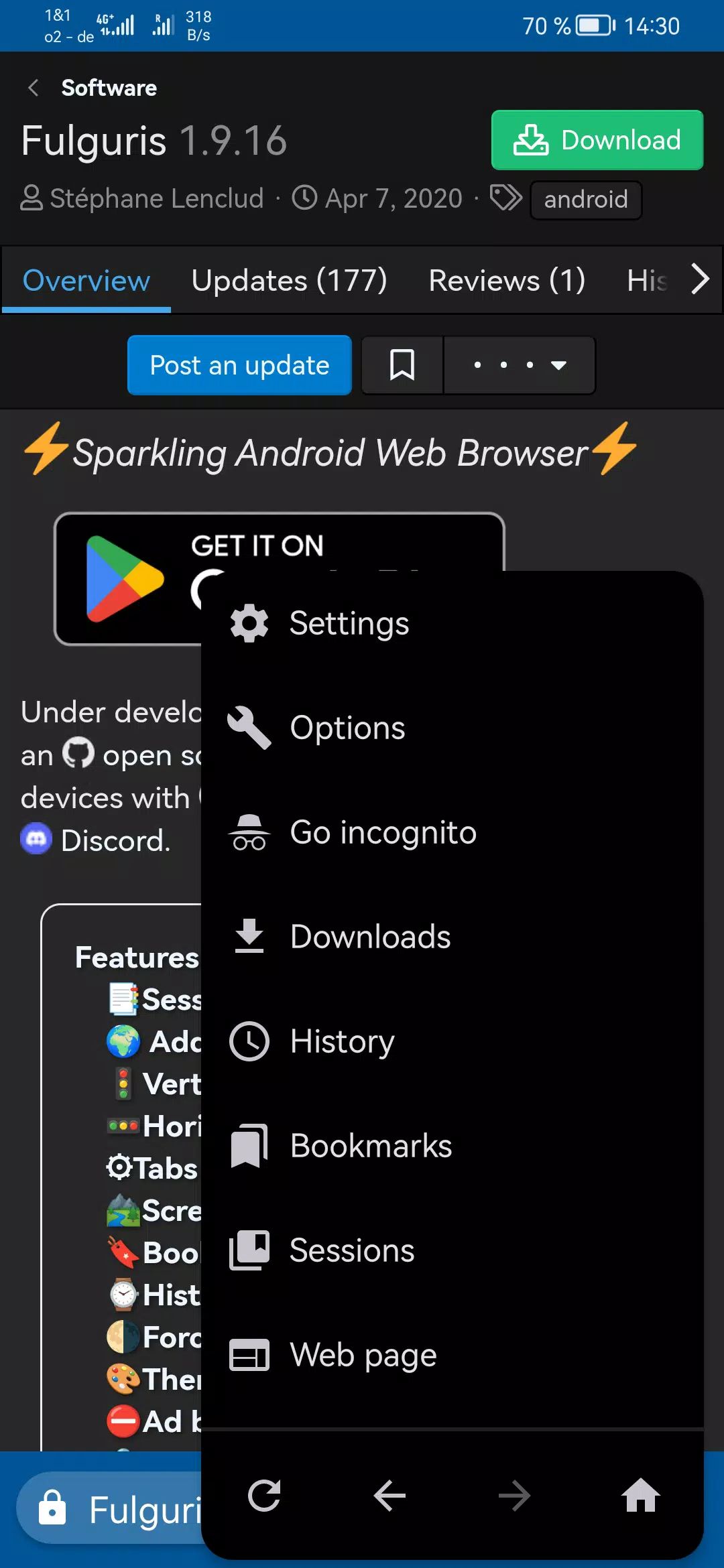
Long press menu navigation buttons to access page history
Fix page title and menu navigation buttons issues when navigating page history
Various improvements and bug fixes
v2.0.6—20 Jan, 2026
Progressive Downloads list
Sessions manager improvements
Export sessions through system settings without starting the app
Long press back/forward buttons to view page history
Various improvements and bug fixes
v2.0.4—15 Jan, 2026
Improve download dialog with file type detection
Fix crash on start-up with invalid favicon
Hide launch menu item for bookmarks, history tab and other built-in pages
- Version number2.0.8
- System Requirements5.0 and up
- Is there a feeFree(In game purchase items)
- AppSize10.10M
- AppLanguage English
- PublisherSlions
- Package Namenet.slions.fulguris.full.playstore
- MD5
- Content RatingTeenDiverse Content Discretion Advised
- Privilege19
-
Fulguris Web Browser 2.0.8Install
10.10M2026-02-25Updated










8.8
9521 Human Evaluation
- 5星
- 4星
- 3星
- 2星
- 1星