
Document Reader, PDF Converter
- 7.2
2673Evaluation
- 2410+
downloads
- 16+
Over 16 years old
Document Reader, PDF Converter
The Ultimate All-In-One Document Workspace
• Master your digital world with a tool designed to simplify your life.
• Whether you are a student, a professional, or a creative, our Document Reader empowers you to carry your entire office in your pocket.
• Experience the freedom of viewing, converting, and organizing every file format with absolute ease.
Why This Is Your Essential Productivity Partner
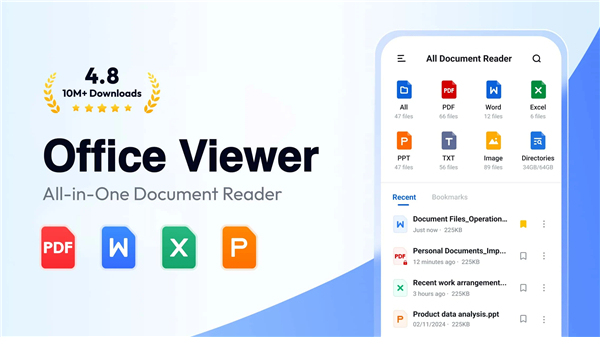
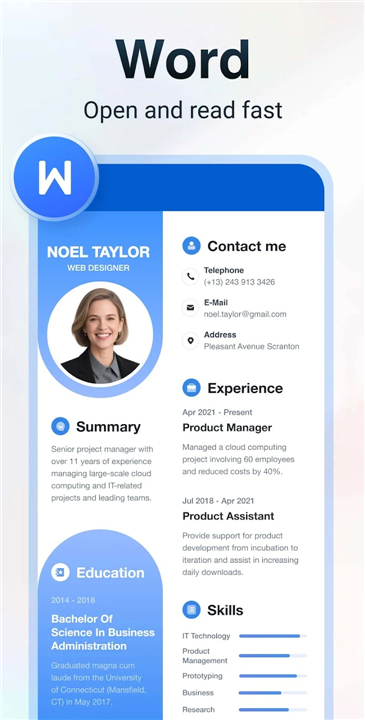
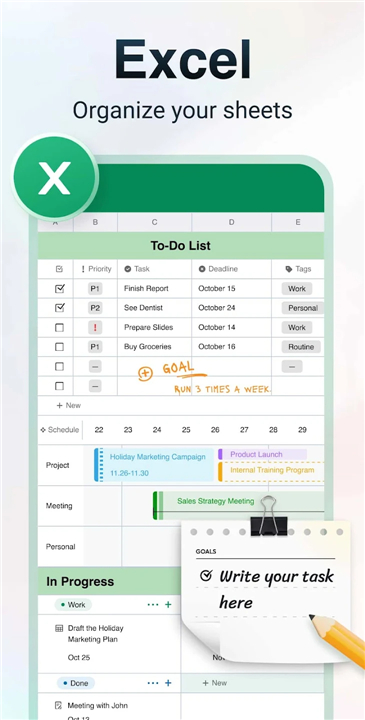
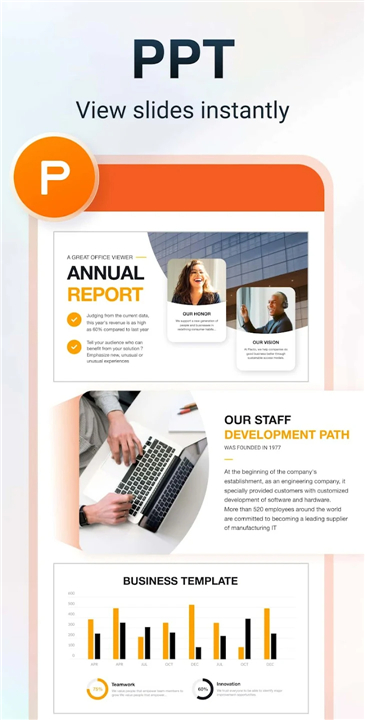
• Versatile Compatibility: Open any file, from PDFs and Word documents to Excel sheets and presentations, without needing multiple apps.
• Total Independence: Access and manage your files anywhere, even without an internet connection.
• Instant Navigation: Locate your most important work in seconds with an intuitive, clutter-free organizational system.
• Seamless Efficiency: Bookmark your essential documents to ensure your most critical information is always one tap away.
The PDF Powerhouse
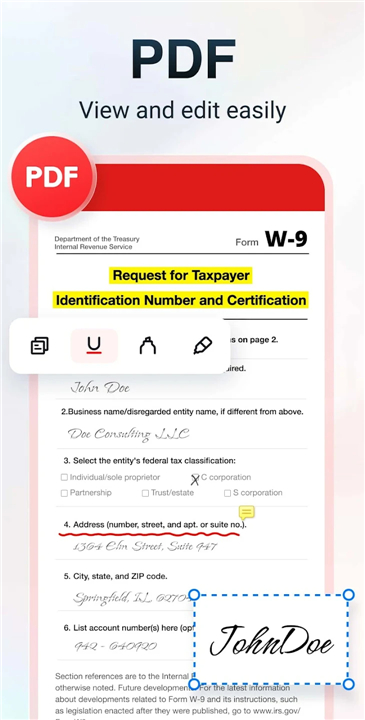
• Navigate your documents with smooth zooming and direct page jumping.
• Switch effortlessly between portrait and landscape modes for the perfect reading experience.
• Bring your ideas to life by adding annotations or text directly onto your files.
• Print and share your finished work with professional precision.
Professional Conversion and Creation
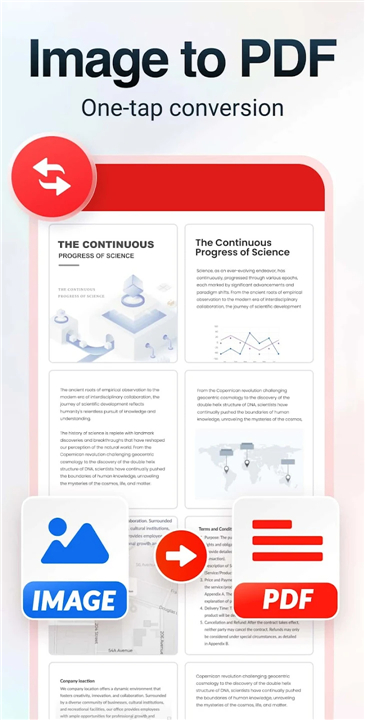
• Visual Transformation: Convert physical scans or photos into high-quality PDFs with auto-cropping and color enhancement.
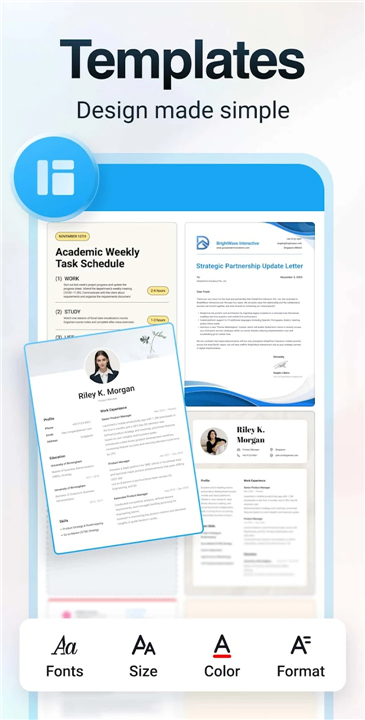
• Ready-Made Templates: Build stunning resumes, letters, and posters in minutes using our curated design library.
• Format Flexibility: Swap between PDF, Word, and PowerPoint formats instantly while keeping your original layouts perfectly intact.
Insights and Presentations
• Data at Your Fingertips: Review complex spreadsheets and text files with a clean, straightforward interface.
• Powerful Visuals: Deliver high-definition presentations with fast, stable performance that never lets you down.
Future Innovations
• Advanced text searching within documents.
• Night mode for comfortable late-night viewing.
• Expanded support for specialized formats like RAR, ZIP, and HTML.
Privacy and Access
• To provide a seamless experience, this app requires storage access for Android 11+ users to manage files, and media access for Android 13+ users to convert images.
• These permissions are used exclusively to enhance your workflow and protect your data.
Transform the way you work
• Reach out to us at allreaderappfeedback@gmail.com with your journey and suggestions.
• Thank you for choosing a smarter way to manage your world.
FAQ
Q: Do I need to be connected to the internet to view and manage my documents?
A: One of the best features of this application is that it provides you with total independence by allowing you to access and manage your files anywhere, even without an active internet connection. This ensures that your digital office is always in your pocket, whether you are commuting, traveling, or working in an area with limited connectivity.
Q: How can I quickly find a specific document if I have a large number of files?
A: The app features an intuitive and clutter-free organizational system that helps you locate your most important work in a matter of seconds. For even greater efficiency, you can bookmark your most essential documents to ensure that your critical information is always just a single tap away.
Q: What specific tools are available to help me navigate through long PDF files?
A: Navigating through dense documents is made easy with smooth zooming capabilities and a direct page-jumping feature that saves you from endless scrolling. You can also switch effortlessly between portrait and landscape modes to create the perfect reading experience tailored to your specific device and comfort.
Version History
v1.3.1——6 Apr 2026
All document reader, all in one file viewer read PDF, DOCX, XLS, PPT, TXT files. Download the latest version of Document Reader & PDF Editor to enjoy new features and updates immediately!
*1.3.1
Minor bug fixes and improvements. Install or update to the newest version to check it out!
*1.3.0.75
Minor bug fixes and improvements. Install or update to the newest version to check it out!
*1.3.0
Minor bug fixes and improvements. Install or update to the newest version to check it out!
- Version number1.3.1
- System Requirements5.0 and up
- Is there a feeFree(In game purchase items)
- AppSize37.24M
- AppLanguage English
- PublisherQR Code Scanner.
- Package Nameall.documentreader.filereader.office.viewer
- MD5
- Content RatingTeenDiverse Content Discretion Advised
- Privilege19
-
Document Reader, PDF Converter 1.3.1Install
37.24M2026-04-06Updated










7.2
2547 Human Evaluation
- 5星
- 4星
- 3星
- 2星
- 1星