

DiskDigger photo/file recovery
- 8.1
5785Evaluation
- 6175+
downloads
- 16+
Over 16 years old
Recover deleted photos, videos, and files with DiskDigger—scan, restore, and secure your data easily! Designed as a comprehensive data recovery solution, DiskDigger helps retrieve lost files from both internal storage and external memory cards. Whether files were accidentally deleted or lost due to formatting, the app provides effective tools to locate and restore valuable data.
Comprehensive File Recovery
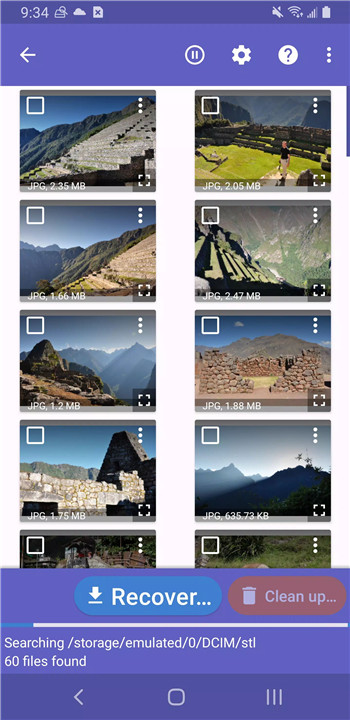
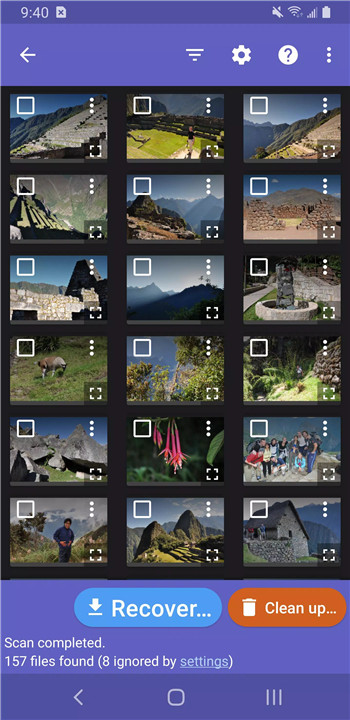
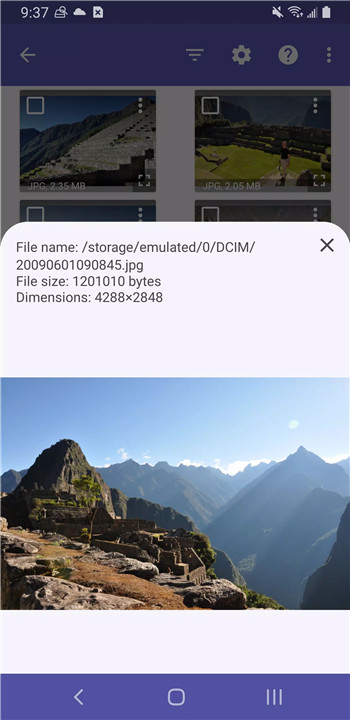
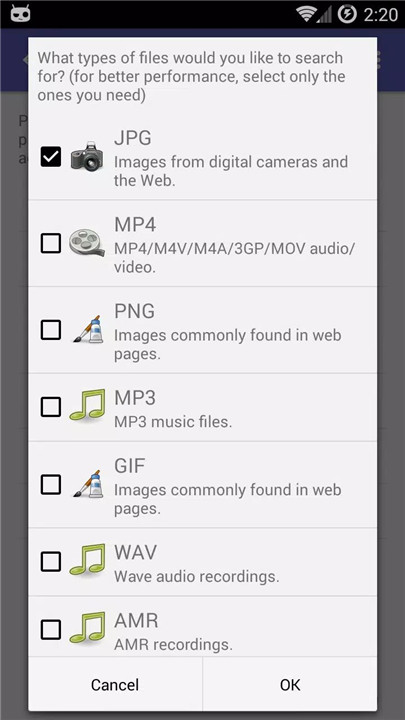
DiskDigger is capable of recovering various file types, including photos, videos, documents, and other non-media files. Whether data loss occurs due to accidental deletion or formatting, the app scans storage thoroughly to locate recoverable files.
Flexible Scanning Options
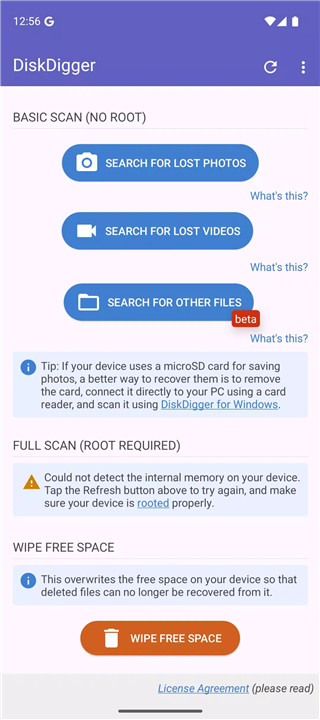
The app provides different scanning modes depending on device capabilities. On non-rooted devices, a limited scan searches existing storage, thumbnail caches, and databases. On rooted devices, a deeper scan analyzes the entire memory for more extensive recovery results.
Cloud and Local File Saving
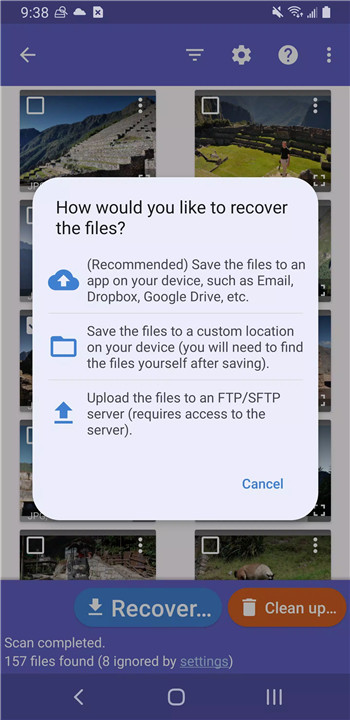
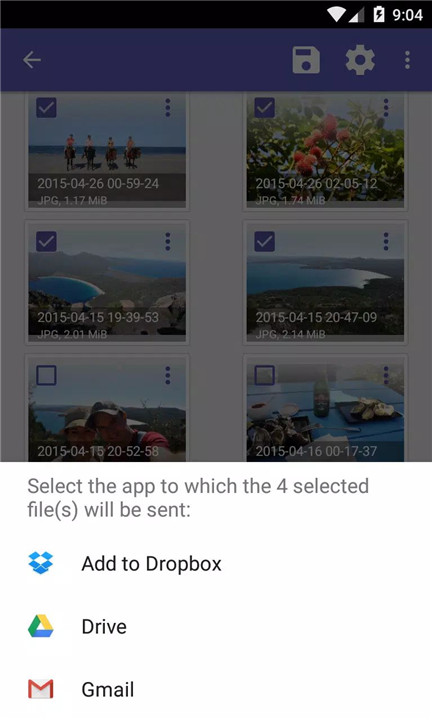
Recovered files can be easily uploaded to cloud services such as Google Drive and Dropbox or shared via email. Additionally, files can be saved to a selected local folder, offering flexibility in managing restored data.
Advanced Storage Access
DiskDigger requires access to all files on the device to perform a complete and effective scan. This permission enables the app to search every accessible location, improving the chances of successful recovery.
Data Cleanup and Security Tools
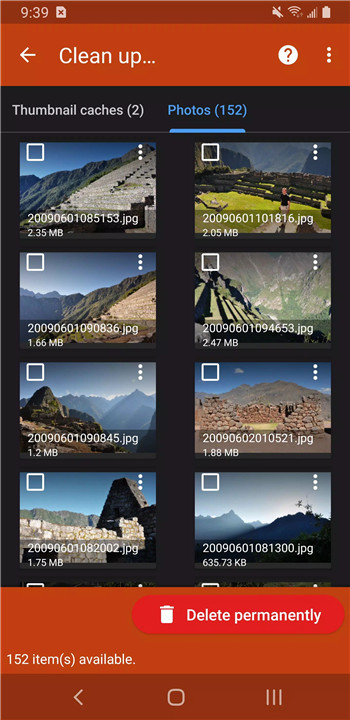
The app includes a cleanup feature that allows permanent deletion of unwanted files after scanning. A “wipe free space” option is also available, ensuring that previously deleted files cannot be recovered, enhancing data privacy and security.
Support for Expanded Recovery with Pro Version
For users needing more advanced recovery options, DiskDigger Pro offers extended capabilities, including support for additional file types and advanced recovery methods such as SFTP transfers.
FAQs
Q1: What types of files can DiskDigger recover?
A1: DiskDigger can recover photos, videos, documents, and other types of files from internal storage and memory cards.
Q2: Does DiskDigger require a rooted device?
A2: No, it works on both rooted and non-rooted devices, though rooted devices allow deeper and more comprehensive scans.
Q3: Where can recovered files be saved?
A3: Files can be saved locally on the device, uploaded to cloud services like Google Drive or Dropbox, or sent via email.
Q4: What permissions does DiskDigger need?
A4: It requires access to all files on the device to perform a complete scan and locate recoverable data.
Q5: What is the purpose of the “wipe free space” feature?
A5: This feature permanently erases free space on the device to prevent previously deleted files from being recovered.
Version History
v1.0-2026-03-28—30 Mar, 2026
- Improved ability to search for non-media files.
- Improved compatibility with broader range of devices.
- Minor bug fixes and enhancements.
v1.0-2025-10-05—6 Oct, 2025
- Improved ability to search for non-media files.
- Improved support for newer Android versions.
- Minor bug fixes and enhancements.
v1.0-2025-09-14—15 Sep, 2025
- Improved ability to search for non-media files.
- Improved support for newer Android versions.
- Minor bug fixes and enhancements.
- Version number1.0-2026-03-28
- System Requirements5.0 and up
- Is there a feeFree(In game purchase items)
- AppSize5.40M
- AppLanguage English
- PublisherDefiant Technologies, LLC
- Package Namecom.defianttech.diskdigger
- MD5
- Content RatingTeenDiverse Content Discretion Advised
- Privilege19
-
DiskDigger photo/file recovery 1.0-2026-03-28Install
5.40M2026-03-31Updated










8.1
5516 Human Evaluation
- 5星
- 4星
- 3星
- 2星
- 1星