
Cast to TV - Screen Mirroring
- 8.8
2272Evaluation
- 1578+
downloads
- 16+
Over 16 years old
Cast to TV - Screen Mirroring
Elevate Your Viewing Experience
• Transform your living room into a cinematic hub with Cast to TV – Screen Mirroring.
• This powerful tool removes the limitations of a small screen, allowing you to project your favorite memories, entertainment, and professional work onto your Smart TV with breathtaking HD clarity.
• Experience the freedom of a wireless world where Your content is no longer confined to your hand, but shared with everyone in the room.
Key Features and Capabilities
• Stream movies, web videos, and online content in high definition.
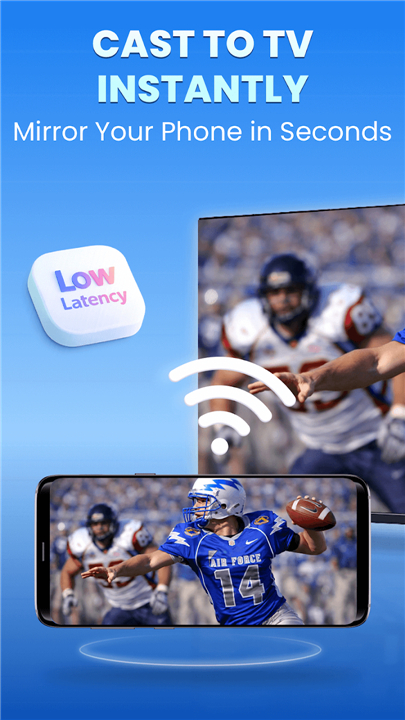
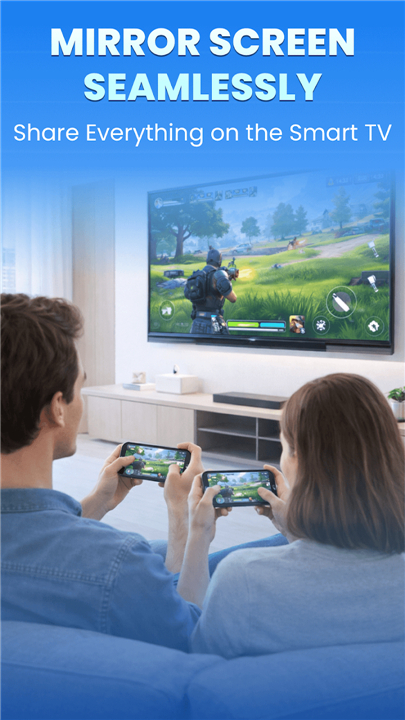
• Mirror your mobile games with ultra-low latency for a responsive, immersive experience.
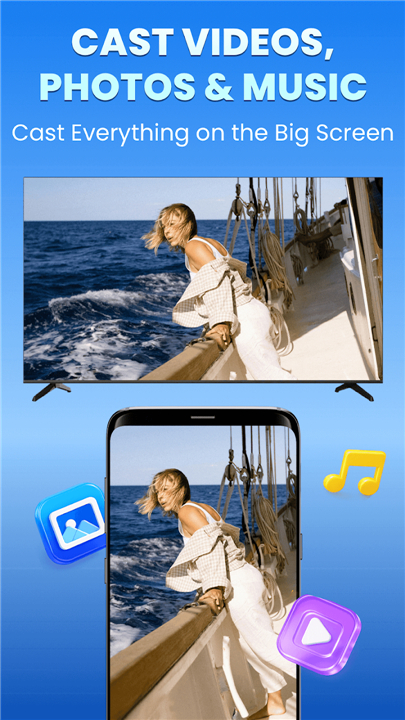
• Share high-resolution photos and family videos instantly without cables.
• Present professional slides and documents on the big screen for maximum impact.
• Enjoy a stable, high-speed connection powered by advanced, self-developed protocols.
Universal Compatibility
• Our app is engineered to work across a vast digital landscape, utilizing custom-built technology to bridge the gap between your phone and your television.
• We provide optimized support for:
+ Chromecast and GoogleCast-enabled devices.
+ Roku systems via specialized AirPlay and Receiver integration.
+ Amazon Fire TV devices.
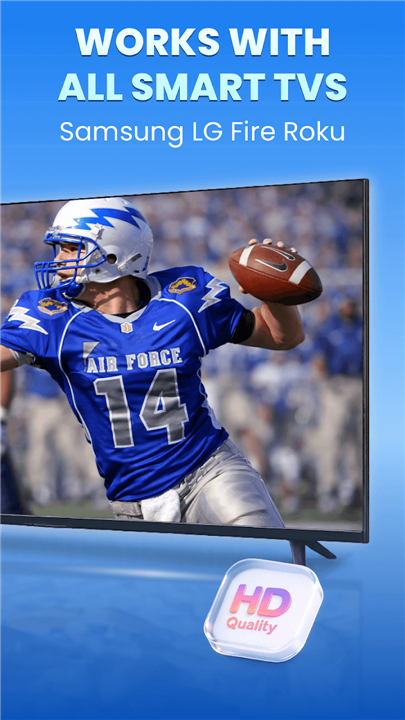
+ LG webOS, Samsung, Sony, Vizio, TCL, and Hisense Smart TVs.
The Professional Advantage
• Faster connection speeds than standard mirroring applications.
• Fluid, stutter-free HD streaming for a premium viewing experience.
• Improved hardware compatibility through custom-developed mirroring engines.
• Intuitive, one-tap control that makes technology accessible to everyone.
Starting Your Journey
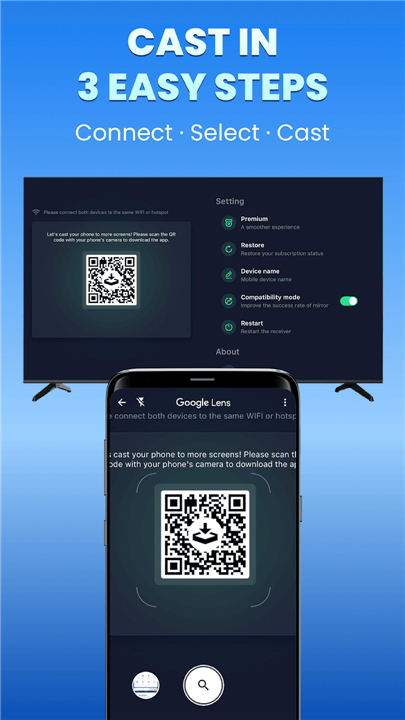
• Connect both your phone and your Smart TV to the same WiFi network.
• Select your TV from the list of available devices.
• Tap to begin and watch your screen come to life on the big display.
Technical Tips for Success
• Ensure your TV and phone share the same WiFi frequency for optimal stability.
• Some television models may require you to enable Wireless Display or Miracast in the settings menu.
• If you experience connectivity hurdles, a quick app reinstallation or a TV reboot usually restores peak performance.
Legal and Privacy
• This application is an independent tool and is not officially affiliated with or endorsed by the TV brands mentioned.
• Due to the vast diversity of hardware, compatibility may vary by specific model.
+ Terms of Use: https://www.boostvision.tv/terms-of-use
+ Privacy Policy: https://www.boostvision.tv/privacy-policy
+ Official Site: https://www.boostvision.tv/app/screen-mirroring
FAQ
Q: Which television brands and streaming devices are compatible with this software?
A: This app is engineered to be a universal solution that works across a vast digital landscape of hardware. It provides specialized support for Chromecast and GoogleCast-enabled devices, Roku systems through AirPlay and Receiver integration, and Amazon Fire TV, as well as Smart TVs from LG, Samsung, Sony, Vizio, TCL, and Hisense.
Q: How do I begin the process of mirroring my phone screen to my TV?
A: Starting your journey is quite simple and requires just a few quick steps to get everything running. You first need to ensure that both your phone and your Smart TV are connected to the same WiFi network, then you simply select your TV from the list of available devices in the app and tap to start the connection.
Q: Can I use this application to play mobile games on a larger display?
A: One of the key features of this tool is the ability to mirror mobile games with ultra-low latency. This ensures that the experience remains responsive and immersive, allowing you to enjoy your favorite games on the big screen without the frustrating lag often found in standard mirroring apps.
Version History
v2.0.1——13 Apr 2026
Cast to TV & Screen Mirroring: Stream HD video, games, and photos to any Smart TV (Roku, LG, Samsung, Chromecast) with ease. Download the latest version of Cast to TV - Screen Mirroring to enjoy new features and updates immediately!
*2.0.1
We’ve improved device compatibility and optimized our proprietary mirroring technology for more brands!
Enjoy a faster, more stable mirroring experience across all your favorite smart TVs!
*2.0.0
We’ve improved device compatibility and optimized our proprietary mirroring technology for more brands!
Enjoy a faster, more stable mirroring experience across all your favorite smart TVs!
*1.9.9
We’ve improved device compatibility and optimized our proprietary mirroring technology for more brands!
Enjoy a faster, more stable mirroring experience across all your favorite smart TVs!
- Version number2.0.1
- System Requirements5.0 and up
- Is there a feeFree(In game purchase items)
- AppSize42.07M
- AppLanguage English
- PublisherBoostVision
- Package Namecom.boost.cast.universal
- MD5
- Content RatingTeenDiverse Content Discretion Advised
- Privilege19
-
Cast to TV - Screen Mirroring 2.0.1Install
42.07M2026-04-13Updated
-
Cast to TV/Chromecast/Rokui 1.5.0.6Install
13.10M2026-04-13Updated
-
Cast to TV, Chromecast & Roku 2.3.5.5Install
13.12M2026-04-13Updated
-
Cast to TV:Easy Screen Sharing 3.6Install
67.63M2026-04-13Updated










8.8
317 Human Evaluation
- 5星
- 4星
- 3星
- 2星
- 1星